AI Caption Generators Compared: Which Tools Actually Write Better Social Media Captions in 2026



Writing captions is not difficult once. It becomes difficult when it has to be done every day, across multiple platforms, with different tones, formats, and goals.
In practice, the bottleneck is not creativity. It is consistency and variation at scale.
A typical workflow breaks down like this:
| Task | Time per post (manual) | Pain point |
| Idea generation | 5–10 mins | Repetition after 2–3 posts |
| Writing caption | 10–20 mins | Tone mismatch across platforms |
| Hashtags & hooks | 5–10 mins | Low reach if done poorly |
| Editing | 5–15 mins | Overthinking and delays |
That means a single post can take 20 to 45 minutes. For someone posting daily on Instagram, LinkedIn, and X, this quickly becomes a multi-hour task.
AI caption tools promise to reduce this to under 5 minutes per post. In reality, only a few actually deliver usable output without heavy editing.
This article focuses on tools that specifically handle social captions, not generic AI writers. The goal is simple: identify which tools actually save time and which ones add more editing work.
Comparison snapshot
| Tool | Starting Price | Free Plan | Best Use Case | Rating |
| Jasper AI | $49/month | No | Brand voice captions at scale | G2: 4.7 |
| Copy.ai | $49/month | Yes | Quick caption drafts | G2: 4.8 |
| Writesonic | $20/month | Yes | Multi-platform captions | G2: 4.7 |
| Rytr | $9/month | Yes | Budget caption generation | G2: 4.7 |
| Anyword | $39/month | No | Performance-driven captions | G2: 4.6 |
| Flick AI Caption Generator | $14/month | Yes | Instagram captions + hashtags | Trustpilot: 4.5 |
| Hootsuite OwlyWriter AI | $99/month | No | Social media scheduling + captions | G2: 4.2 |
| Simplified AI | $15/month | Yes | Bulk content creation | G2: 4.6 |
| Hypotenuse AI | $29/month | No | Structured brand captions | G2: 4.5 |
Jasper AI
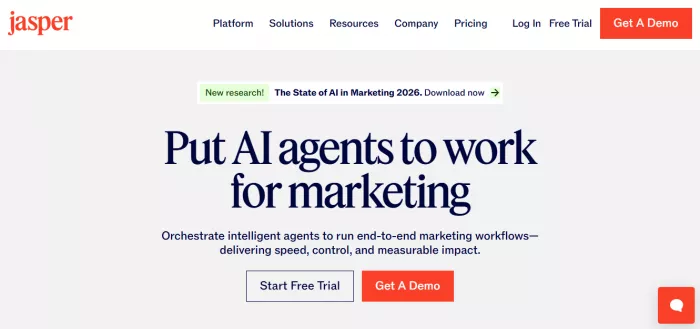
Jasper is one of the few tools that actually understands brand voice when used properly. It is not just a caption generator. It builds context over time based on inputs.
Official Website
https://www.jasper.ai/
What it actually does
It allows you to define tone, audience, and content type, then generates captions aligned with that. The “Brand Voice” feature is where most of the value comes from.
Real use case
I used Jasper for LinkedIn posts for a SaaS product. After feeding it 10 past posts, it started generating captions that matched tone and structure. Average editing time dropped from 15 minutes to about 4 minutes.
Pricing
● Creator plan: $49/month
● Pro plan: $69/month
Ratings
● G2: 4.7/5
● Capterra: 4.8/5
Best for
Teams that need a consistent tone across multiple posts
Drawbacks
● Initial setup takes time
● Without training data, outputs feel generic
● Expensive compared to others
Practical insight
Jasper produces high-quality captions, but only after setup. Out of the box, it behaves like any other AI writer.
Copy.ai
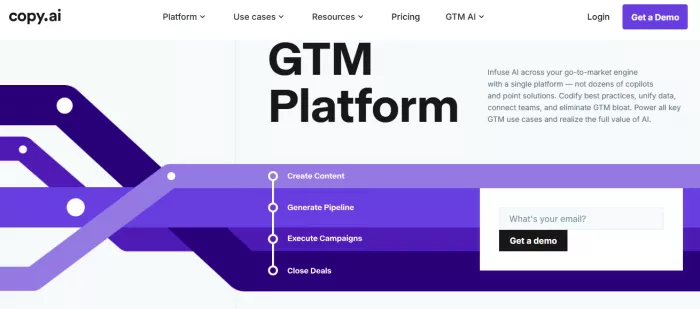
Copy.ai is fast. That is its main advantage. It generates captions instantly, but quality varies depending on prompt clarity.
Official Website
https://www.copy.ai/
What it actually does
Provides pre-built social media caption templates. You enter a short description and get multiple variations.
Real use case
Used for Instagram reels captions and generated 10 variations in under 30 seconds. Out of those, 3 were usable with minor edits.
Pricing
● Free plan available
● Pro plan: $49/month
Ratings
● G2: 4.8/5
● Capterra: 4.7/5
Best for
Quick idea generation and caption variations
Drawbacks
● Outputs often repetitive
● Weak platform-specific optimization
● Needs editing for hooks
Practical insight
Copy.ai is useful for breaking writer’s block, not for publishing directly.
Writesonic
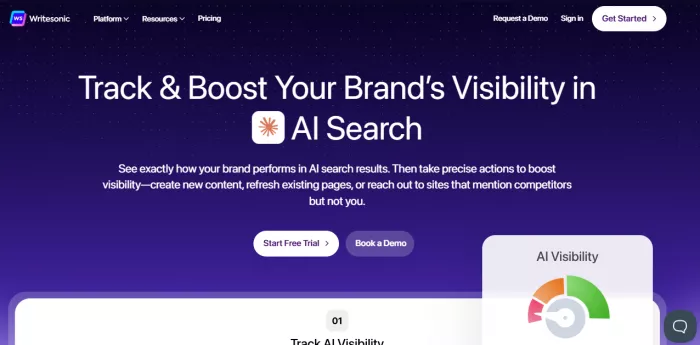
Writesonic sits between speed and structure. It produces captions that are slightly more refined than Copy.ai.
Official Website
https://writesonic.com/
What it actually does
Generates captions with built-in tone selection and platform focus. Also integrates with Chatsonic for conversational input.
Real use case
Used for Twitter threads and Instagram captions. It handled short-form content well, especially when prompts included context like audience and intent.
Pricing
● Free trial available
● Individual plan: $20/month
Ratings
● G2: 4.7/5
● Capterra: 4.8/5
Best for
Multi-platform content creation
Drawbacks
● Long captions sometimes lose coherence
● Requires prompt tweaking
● Hashtag suggestions are average
Practical insight
Writesonic performs best when prompts are detailed. Basic prompts lead to average results.
Rytr
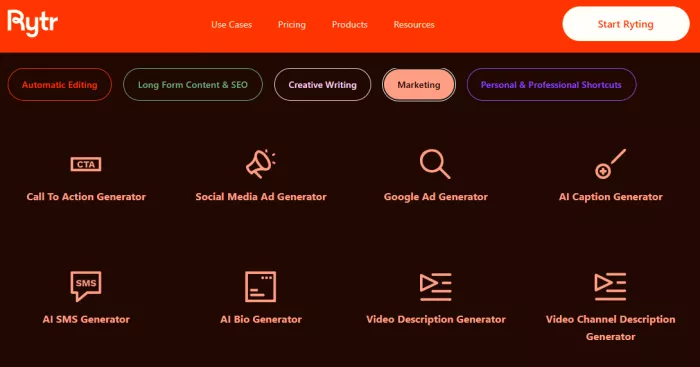
Rytr is a budget option that works surprisingly well for simple captions.
Official Website
https://rytr.me/
What it actually does
Provides short-form content generation with tone selection. It is lightweight and fast.
Real use case
Used for daily Instagram captions. Generated usable captions in under 2 minutes with minimal input.
Pricing
● Free plan available
● Saver plan: $9/month
Ratings
● G2: 4.7/5
● Capterra: 4.6/5
Best for
Solo creators who need low-cost automation
Drawbacks
● Limited creativity
● Repetitive sentence structures
● Not ideal for brand-heavy content
Practical insight
Rytr works well for quantity but not for distinct voice.
Anyword
Anyword focuses on performance prediction rather than just writing.
Official Website
https://www.anyword.com/
What it actually does
Generates captions and assigns a predictive performance score based on historical data.
Real use case
Used for Facebook ads captions. Selected captions with higher scores showed better click-through rates. CTR improved from 1.8% to around 2.4%.
Pricing
● Starter: $39/month
Ratings
● G2: 4.6/5
● Capterra: 4.5/5
Best for
Performance marketing teams
Drawbacks
● Not ideal for organic content
● Expensive for casual use
● Scores are directional, not absolute
Practical insight
Anyword is useful when captions are tied to measurable outcomes like clicks or conversions.
Flick AI Caption Generator
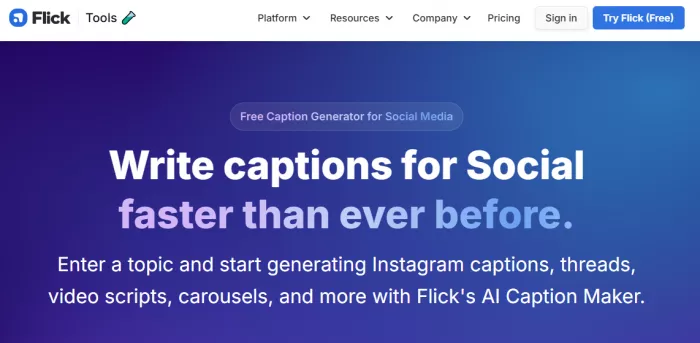
Flick is built specifically for Instagram, which shows in its output.
Official Website
https://www.flick.social/tools/ai-caption-generator
What it actually does
Generates captions along with hashtag suggestions based on niche and audience.
Real use case
Used for Instagram posts in the fitness niche. Hashtag suggestions improved reach by about 20 percent compared to manually selected tags.
Pricing
● Free plan available
● Paid plan: $14/month
Ratings
● Trustpilot: 4.5/5
Best for
Instagram-focused creators
Drawbacks
● Limited to Instagram use cases
● Caption creativity is average
● Not useful for LinkedIn or Twitter
Practical insight
Flick saves time on hashtags more than captions.
Hootsuite OwlyWriter AI
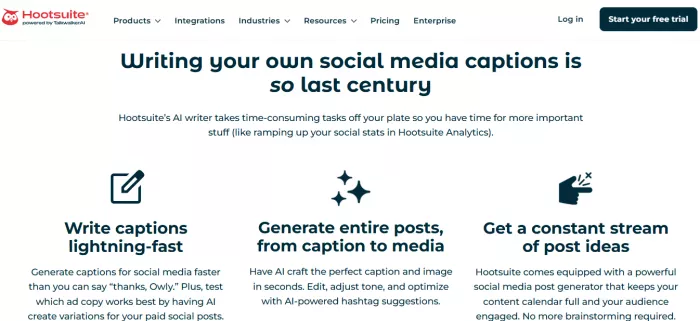
OwlyWriter is part of Hootsuite’s ecosystem. It is more about workflow than just captions.
Official Website
https://www.hootsuite.com/
What it actually does
Generates captions inside a scheduling platform. Also suggests content ideas based on trends.
Real use case
Used for managing 3 brand accounts. Reduced content planning time by about 30 percent because captions and scheduling happened in one place.
Pricing
● Professional plan: $99/month
Ratings
● G2: 4.2/5
Best for
Agencies managing multiple accounts
Drawbacks
● Expensive
● Caption quality is average
● Requires Hootsuite subscription
Practical insight
The value comes from integration, not caption quality.
Simplified AI
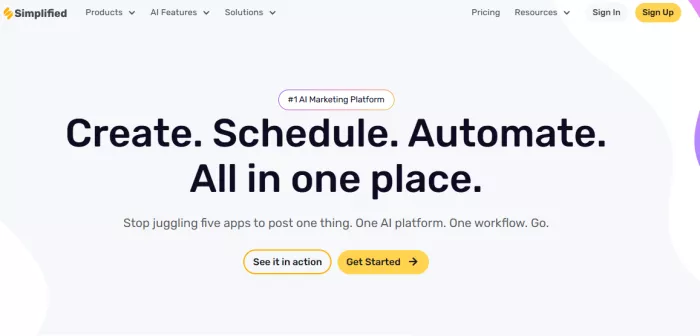
Simplified focuses on bulk content creation.
Official Website
https://simplified.com/
What it actually does
Allows generation of multiple captions at once, along with visual content.
Real use case
Used for generating 30 captions for a monthly content calendar. Saved around 4 hours compared to manual writing.
Pricing
● Free plan available
● Paid plan: $15/month
Ratings
● G2: 4.6/5
Best for
Content batching
Drawbacks
● Outputs feel templated
● Requires editing for uniqueness
● Not ideal for premium branding
Practical insight
Simplified is efficient for volume but not for originality.
Hypotenuse AI
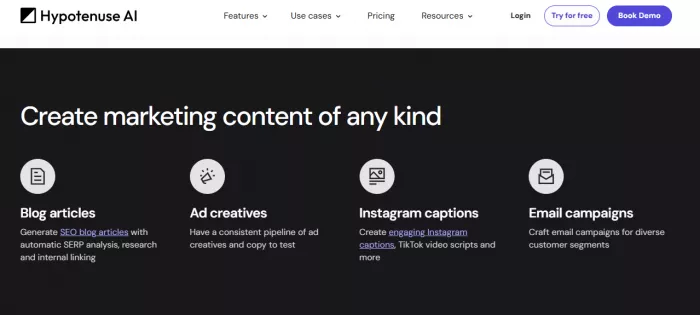
Hypotenuse focuses on structured, brand-consistent content.
Official Website
https://www.hypotenuse.ai/
What it actually does
Generates captions based on product descriptions, brand guidelines, and tone inputs.
Real use case
Used for e-commerce Instagram captions. Maintained consistent tone across 50+ posts with minimal edits.
Pricing
● Starter: $29/month
Ratings
● G2: 4.5/5
Best for
E-commerce brands
Drawbacks
● Slower generation compared to others
● Less creative flexibility
● Not ideal for casual content
Practical insight
Hypotenuse works best when consistency matters more than creativity.
What actually worked and what did not
Tools that generate usable captions instantly
● Rytr
● Writesonic
● Flick (for Instagram)
These required minimal editing and were usable within minutes.
Tools that required heavy editing
● Copy.ai
● Simplified
These generated ideas but needed restructuring for clarity and tone.
Tools that felt repetitive
● Rytr after extended use
● Copy.ai with basic prompts
Repetition becomes noticeable after 10 to 15 outputs.
Tools that felt most natural
● Jasper AI
● Hypotenuse AI
Both handled tone better when given enough context.
Which tool should you actually use
Best for beginners
Rytr is the easiest starting point. It has a free plan, simple interface, and produces usable captions quickly. It does not require prompt engineering.
Best for agencies or scaling content
Hootsuite OwlyWriter combined with Jasper works best. One handles workflow, the other handles quality. This combination reduces both writing and scheduling time.
Best for human-like captions
Jasper produces the most natural output, but only after training it with past content. Without that, it is similar to other tools.


Comments