AI Logo Design Tools Compared: Which Ones Create Usable Brands and Which Don’t


When you need a logo fast, but everything starts to look the same
A founder launches a new product and needs a logo by the end of the week. Hiring a designer means delays, revisions, and a few hundred dollars at minimum. So they turn to AI logo tools. Within minutes, dozens of options appear. Most look clean. Many look similar. A few feel usable, but it is hard to tell if they will hold up once used on a website, app, or packaging.
This is the actual constraint. Speed is no longer the problem. The real problem is whether the output is usable beyond a quick preview. A good AI logo tool is not just about generating options. It must allow control after generation, produce non-generic combinations, and deliver files that can be used across real business contexts.
Tools compared upfront
| Tool | Starting Price | Free Preview | File Ownership | Customization Depth | G2 | Trustpilot | Capterra |
| Looka | $20 one-time | Yes | Full after purchase | Medium | 4.5 | 4.4 | 4.6 |
| LogoAI | $29 one-time | Yes | Full after purchase | Medium | 4.4 | 4.2 | 4.5 |
| Brandmark | $25 one-time | Yes | Full after purchase | Low to Medium | 4.3 | 4.2 | 4.4 |
| Tailor Brands | $3.99/month | Yes | Subscription-based | Medium | 4.3 | 4.1 | 4.5 |
| Shopify Hatchful | Free | Yes | Full | Low | 4.2 | 3.9 | 4.3 |
What actually happens when you use these tools
Looka feels the most structured during onboarding. It asks for industry, style preferences, colors, and fonts before generating logos. The outputs are relatively polished compared to others, especially for SaaS-style brands. The layouts feel intentional rather than random. However, once the initial logos are generated, control is somewhat limited. You can adjust colors, icons, and fonts, but you are still working within predefined combinations. The brand kit is where Looka becomes more useful. It generates social assets, business cards, and brand guidelines automatically.
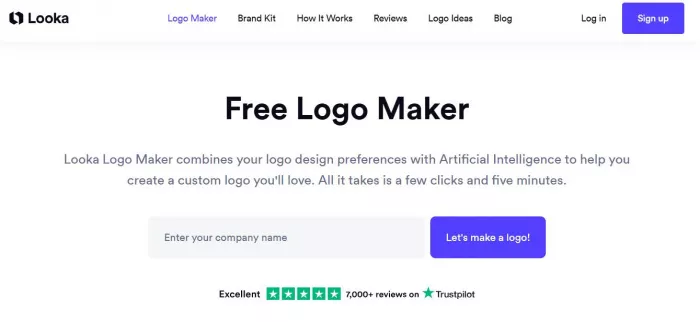
Pricing starts around $20 for a basic logo download, but most users end up paying closer to $65 to $96 for higher resolution files and brand kits. Without upgrading, the output is not usable for serious branding.
Reality check:
● Strong balance between ease of use and usable output
● Brand kit adds real value beyond just a logo
● Limited flexibility once the logo is generated
● Upsells push users toward higher pricing tiers
LogoAI takes a slightly different approach. It focuses more on iterative generation rather than structured onboarding. You generate logos quickly, then refine them step by step. The AI feels more responsive to changes, especially when adjusting layouts or icon styles. The outputs are decent but can feel slightly repetitive if you try multiple variations. Where LogoAI performs well is in automation. It can generate brand assets like mockups and social banners without additional effort.
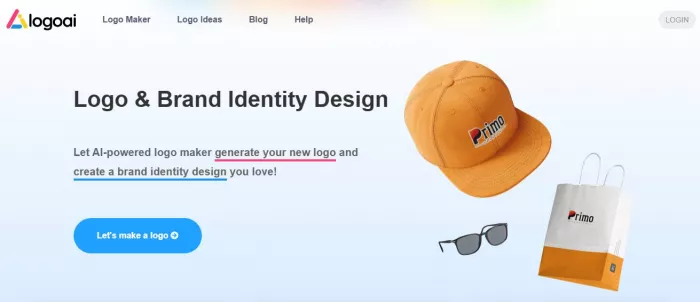
Pricing starts at $29 for basic downloads, with higher tiers unlocking vector files and branding assets. The output quality is usable for digital-first businesses but may feel less distinctive for brands that need a strong visual identity.
Reality check:
● Faster iteration compared to Looka
● Good automation for brand assets
● Outputs can feel repetitive across variations
● Less design depth compared to higher-end tools
Brandmark focuses heavily on simplicity. You enter a brand name and keywords, and it generates logos almost instantly. The designs lean toward minimalism, often combining icons and text in predictable layouts. This works for quick launches but starts to feel limiting when you want something unique. Customization options exist, but they are not deep enough to significantly change the identity of a design.
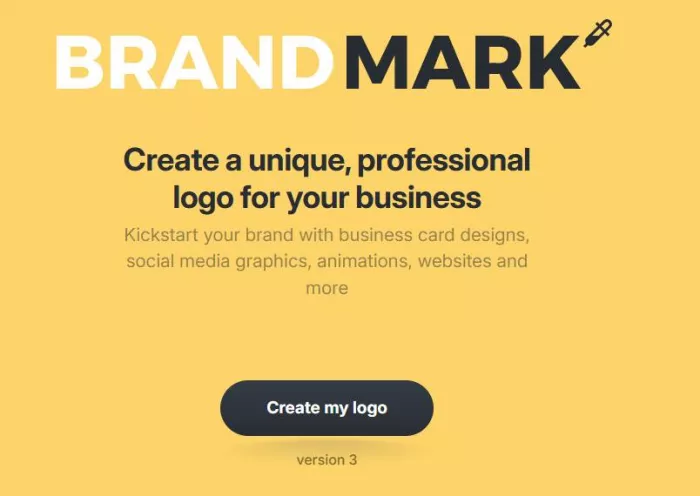
Pricing starts around $25, but most useful exports are in higher tiers that include vector files and branding kits. Brandmark is efficient, but it does not push design boundaries.
Reality check:
● Very fast generation process
● Clean, minimal outputs that work for basic use
● Limited uniqueness across designs
● Customization feels constrained
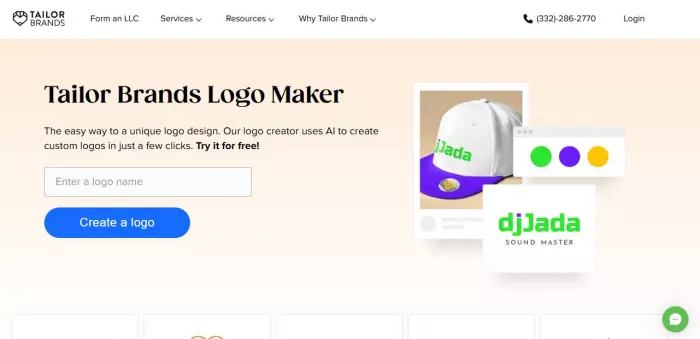
Tailor Brands operates more like a branding platform than just a logo generator. The onboarding process includes business type, style preferences, and branding direction. The generated logos are decent, but the real value comes from the ecosystem. You get access to website builders, social tools, and branding assets. However, the logo itself is not significantly better than competitors.
Tailor Brands’ pricing starts low at around $3.99 per month, but most features are locked behind ongoing subscriptions. Over time, this becomes more expensive than one-time purchase tools.
Reality check:
● Strong ecosystem beyond logo creation
● Subscription model adds long-term cost
● Logo quality is average compared to competitors
● Useful for ongoing branding needs, not just logos
Hatchful by Shopify is the simplest tool in this category. It is free, easy to use, and generates logos quickly based on industry and style inputs. The outputs are clean but clearly template-driven. It works well for early-stage projects or temporary branding, but it lacks depth. There is very little control after generation, and the designs are not distinctive enough for long-term use.
Reality check:
● Completely free and easy to use
● Good for quick or temporary logos
● Very limited customization
● Outputs feel generic and template-based
What becomes obvious when comparing them directly
Looka produces the most consistently usable logos, especially for startups that want something polished without design knowledge. It strikes a balance between automation and structure, which makes the output feel intentional.
LogoAI is better for iteration. If you want to explore multiple variations quickly and refine them, it feels more flexible. However, the designs can start blending together after repeated use.
Brandmark and Hatchful sit on the simpler end. They are fast, but they rely heavily on templates. This makes them useful for quick launches but less effective for brands that want differentiation.
Tailor Brands is not really competing on logo quality alone. It is positioned as a broader branding tool. The logo is just one part of the offering, which makes it useful for beginners but less appealing for focused design needs.
If uniqueness is the priority, none of these tools fully replace a designer. However, Looka and LogoAI come closest to producing logos that can pass as professionally designed in early-stage businesses.
Pricing comparison
| Tool | Basic Logo Cost | Full Brand Kit Cost | Hidden Upsells |
| Looka | $20 | $65 to $96 | Yes |
| LogoAI | $29 | $59 to $99 | Moderate |
| Brandmark | $25 | $65 to $99 | Yes |
| Tailor Brands | $3.99/month | $12.99+/month | Subscription lock-in |
| Hatchful | Free | Free | None |
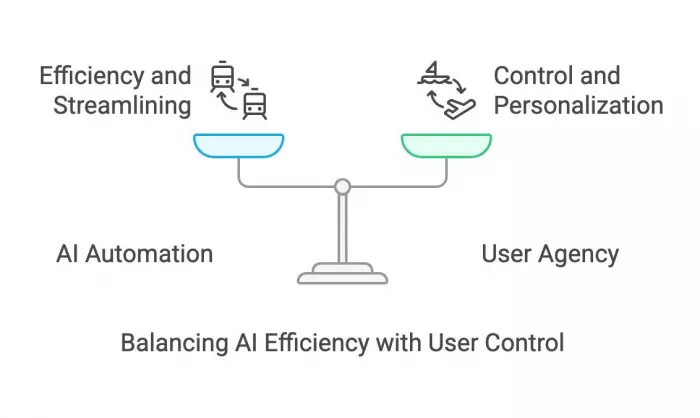
The biggest difference shows up after the initial purchase. Tools like Looka and Brandmark push users toward higher tiers for usable files. Tailor Brands spreads cost over time, which can become more expensive. Hatchful is transparent but limited.
Final verdict
Best for quick startup logos
Hatchful. It is free, fast, and good enough for early-stage validation.
Best for higher quality branding
Looka. It produces the most polished outputs and usable brand kits.
Most overrated tool
Tailor Brands. The ecosystem is useful, but the logo quality does not justify long-term subscription costs.
Best overall balance
LogoAI. It offers strong iteration, decent output quality, and reasonable pricing without locking users too aggressively.


Comments