7 AI Motion Graphics Tools Every Designer Should Know in 2026



Motion graphics work is changing fast, but not in the way many people expected. AI has not replaced animation fundamentals, timing, or visual judgment. What it has done is remove a lot of repetitive work: generating visual concepts faster, creating motion-ready assets, speeding up edits, testing multiple directions, and turning rough ideas into animated sequences much more quickly than traditional workflows allowed.
That is why the best AI tools for motion graphics are not all trying to do the same thing. Some are built for generative video, some are better for text animation and design-heavy motion pieces, and others help with explainers, avatars, or rapid social content. The smartest workflow in 2026 is usually a hybrid one, where AI handles speed and variation while the human creator still controls composition, timing, and polish.
1. Runway: Generative Motion Graphics Without a Full Studio
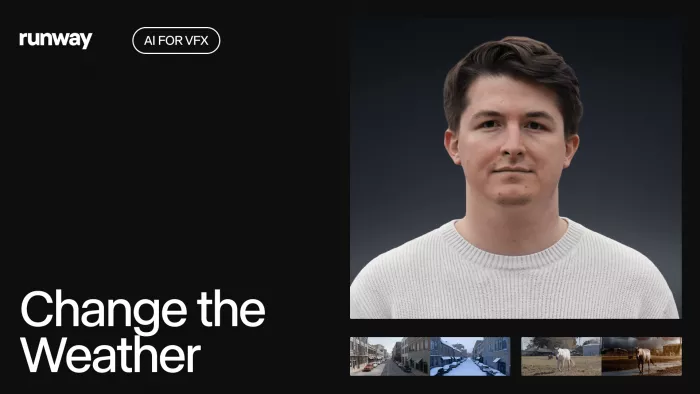
Runway is one of the strongest AI tools for motion graphics because it bridges idea generation and production more effectively than most platforms. It is not just a text-to-video tool. It also offers image-to-video, video editing, audio features, workflows, model access, and multiple AI-assisted generation modes that can fit into real production pipelines rather than functioning as one-off experiments.
That flexibility matters for motion designers. You can use Runway to create animated backgrounds, transitions, concept shots, stylized motion sequences, visual tests, and fast social promos without building every asset manually from scratch. It works especially well when the project needs speed, iteration, and a cinematic or experimental feel that would take longer to produce inside a traditional timeline-first editor.
Best for
Runway is best for motion designers, editors, creative teams, and content studios that want fast AI-assisted video generation and editing in one platform.
Limitations to note
Runway is powerful, but it is still credit-based and generation-heavy, which means costs can rise if you use it aggressively across multiple drafts. It is also not a full substitute for frame-perfect motion design in tools like After Effects when you need highly controlled typography, graph-editor precision, or complex compositing.
Runway pricing and plans
| Plan | Price | What you get |
| Free | $0/month | 125 one-time credits, 3 video editor projects, 5GB storage, basic AI tools |
| Standard | $12/user/month billed annually ($144/year) | 625 monthly credits, all apps, workflows, remove watermarks, 100GB storage |
| Pro | $28/user/month billed annually ($336/year) | 2,250 monthly credits, custom voices, 500GB storage |
| Unlimited | $76/user/month billed annually ($912/year) | Pro features plus unlimited image and video generations in Explore mode |
| Enterprise | Contact sales | Advanced security, analytics, onboarding, and custom credits |
2. Adobe After Effects: The AI-Enhanced Standard for Serious Motion Work
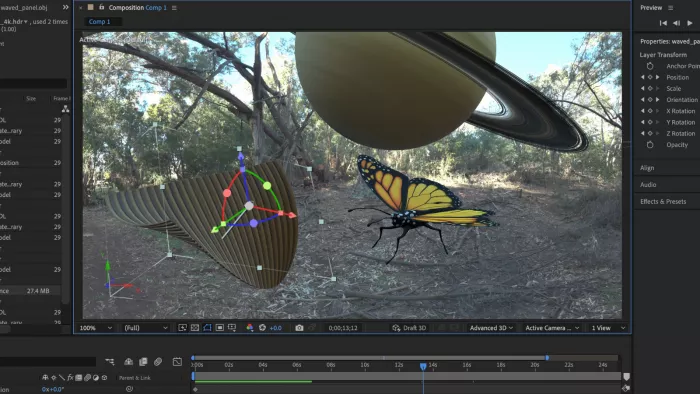
After Effects remains the center of gravity for professional motion graphics, even as AI-native tools have become more capable. What makes it relevant here is not that it suddenly became a text-to-video platform. It is that Adobe has been steadily folding AI-assisted workflows into the broader Creative Cloud ecosystem, which means motion designers can now generate, refine, and composite faster while staying inside an industry-standard environment.
For title sequences, broadcast graphics, product explainers, social ads, and layered visual compositions, After Effects still offers a level of control that pure AI generators cannot match. It is the tool you use when the work has to be exact: timing, easing, masks, tracking, typography, and compositing all still matter. AI helps speed up asset prep and ideation, but After Effects remains the place where the final motion system gets shaped.
Best for
After Effects is best for professional motion designers, editors, agencies, and advanced creators who need precise control over animation and compositing.
Limitations to note
The biggest limitation is complexity. After Effects is not beginner-friendly, and it is not the fastest tool for quick social output when compared with AI-native platforms like Runway or Canva. It also relies heavily on the user’s existing motion design skill, so AI support improves the workflow, but it does not remove the learning curve.
After Effects pricing and plans
| Plan | Price | What you get |
| After Effects single-app plan | Adobe page fetched, but exact visible amount not rendered in body; verify at checkout | Full After Effects desktop app plus Adobe Express Premium |
| Creative Cloud Pro | ₹1,199/month for the first year, then ₹2,714/month after, for new subscribers in India | 20+ Adobe apps including After Effects, plus creative AI features |
| Trial | 7-day free trial | Full version of After Effects for desktop |
3. Luma Dream Machine: Fast AI Motion from Concepts and Prompts
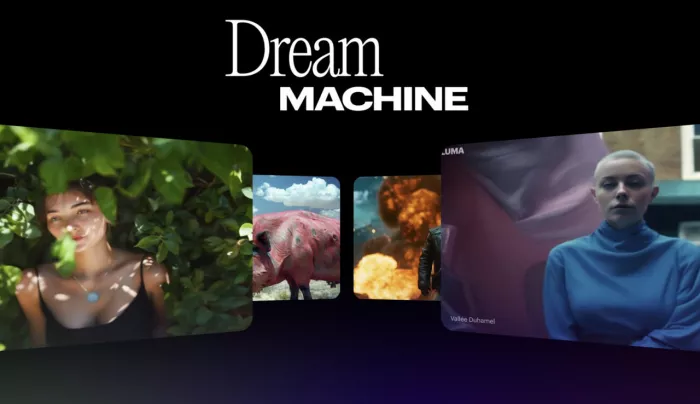
Luma Dream Machine is one of the most compelling AI-native video tools for motion-heavy ideation. It excels at turning prompts and images into fluid, visually striking video clips that can be used for pitch visuals, mood films, animated concept frames, motion backgrounds, and fast-turn creative experiments.
What makes Luma useful for motion graphics is its speed-to-style ratio. It helps creators move from static ideas to moving visuals quickly, which is incredibly useful in pre-production and concept development. If the goal is to test looks, build motion references, or create surreal sequences that would otherwise require complex setup, Luma is one of the most efficient tools in the category.
Best for
Luma Dream Machine is best for concept artists, motion designers, creative directors, and video teams that need fast visual exploration and AI-generated motion clips.
Limitations to note
Like other generative video platforms, Luma is less suitable for highly controlled corporate motion graphics, especially projects that depend on exact brand layouts or precise kinetic typography. Commercial use and watermark removal also start at higher plans, which is important if you intend to use it professionally.
Luma pricing and plans
| Plan | Price | What you get |
| Free | $0/month | Free trial credits |
| Plus | $30/month or $300/year | Luma and third-party image/video models, commercial use, guest collaborator editing |
| Pro | $90/month or $900/year | Everything in Plus, with 4x usage with Luma Agents |
| Ultra | $300/month or $3,000/year | Everything in Pro, with 15x usage with Luma Agents |
4. Canva: Motion Graphics for Fast Content Teams
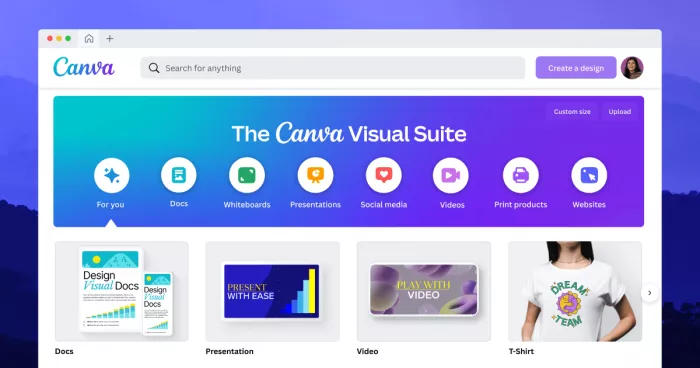
Canva is not the first name motion designers think of, but it has become one of the most practical AI-assisted tools for lightweight motion graphics. Its value is not in cinematic video generation. It is in quickly producing animated social posts, promo cards, explainer visuals, title sequences, logo reveals, and branded content with minimal effort.
That makes Canva especially important for teams producing content at scale. For marketers, publishers, startup teams, and creators who need motion graphics more often than they need advanced compositing, Canva can remove a huge amount of friction. Its AI features, ready-made templates, and simple animation tools make it ideal for speed-first workflows.
Best for
Canva is best for marketers, social media teams, content creators, and non-designers who need clean, fast motion graphics without a steep learning curve.
Limitations to note
Canva is not built for deep motion design craft. It lacks the timeline precision, compositing depth, and animation controls professionals expect from After Effects or similar tools. It is a smart production tool for content workflows, but not a replacement for advanced motion systems.
Canva pricing and plans
| Plan | Price | What you get |
| Free | $0 | Basic design and animation tools |
| Pro | $15/person/month | Premium content, stronger design tools, AI features |
| Teams | $10/person/month, minimum 3 people | Collaboration, brand workflows, team features |
| Enterprise | Contact sales | Custom enterprise-grade setup |
5. Adobe Express: Quick Motion Assets for Brand Content
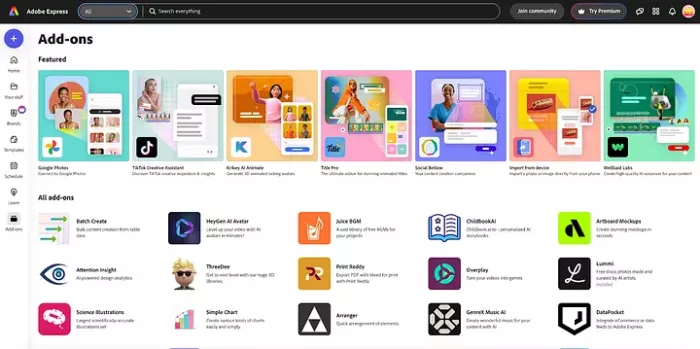
Adobe Express sits closer to Canva than to After Effects, but it has one important advantage: it connects lightweight content creation to the wider Adobe ecosystem. That makes it useful for fast-turn motion graphics like social videos, promo posts, animated brand slides, and basic explainers where you want something quicker than a full Adobe production workflow.
Its AI-assisted features make it easier to create motion-ready social assets, branded animations, and simple visual stories without needing advanced software skills. For many teams, Adobe Express is less about replacing motion design software and more about handling the 80 percent of branded motion content that does not justify a full After Effects project.
Best for
Adobe Express is best for small businesses, social teams, educators, and Adobe users who need simple branded motion graphics quickly.
Limitations to note
Its biggest limitation is ceiling. Adobe Express is efficient, but it is not designed for complex animation, layered visual effects, or high-end motion systems. It works best as a lightweight companion tool rather than as the core platform for serious motion designers.
Adobe Express pricing and plans
| Plan | Price | What you get |
| Free | $0 / free plan available | Basic features and lightweight design tools |
| Premium | Adobe page confirms Premium plan exists; Airtel offer values 12 months at about INR 4000 | Premium templates, AI features, and extended design capabilities |
6. Synthesia: Motion Graphics Through AI Presenters and Explainers
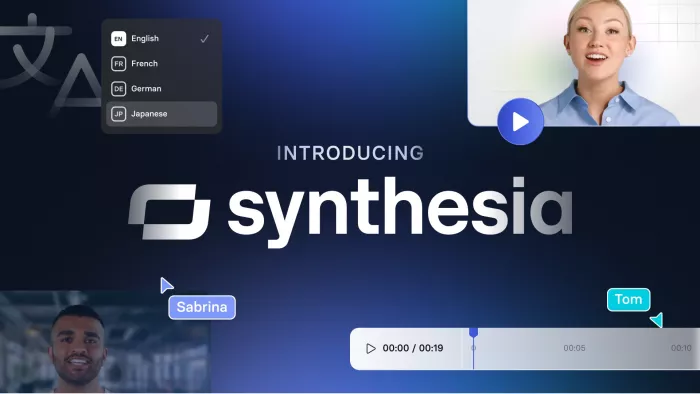
Synthesia is a slightly different kind of motion graphics tool, but it deserves a place because a huge portion of modern motion work now lives inside explainers, product walk-throughs, training content, and presenter-led visual storytelling. Synthesia lets teams create avatar-based videos with structured layouts, scenes, text, and voice-driven content, which makes it a practical tool for motion graphics in corporate and educational contexts.
It is especially useful when the project needs motion, but not traditional animation. Think onboarding videos, internal communication, feature explainers, sales demos, and tutorials. In those environments, the goal is less about expressive motion craft and more about fast, clear, reusable visual communication.
Best for
Synthesia is best for teams creating explainer videos, training content, product demos, and presenter-led business motion assets.
Limitations to note
Synthesia is not a creative motion design playground. It is structured, template-led, and business-focused, so it will feel limiting if your goal is experimental animation, rich compositing, or highly original visual language.
Synthesia pricing and plans
| Plan | Price | What you get |
| Basic / free access | Free to try | Entry access to the platform |
| Starter | $29/month | 120 minutes of video per year |
| Higher business plans | Contact sales / varies | Team, enterprise, and larger usage tiers |
7. Vyond: Business Motion Graphics Without Traditional Animation Pain
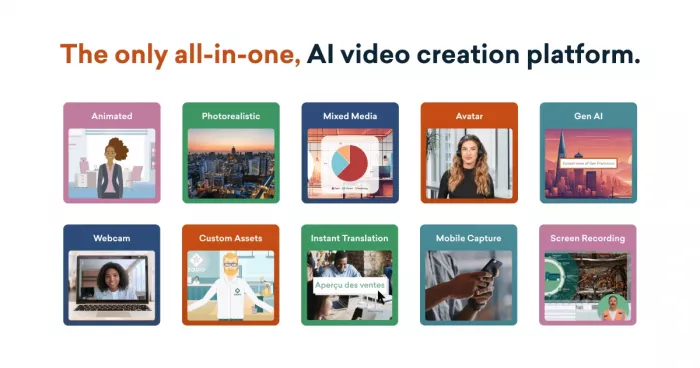
Vyond is one of the most useful tools when the goal is not cinematic video but structured animated communication. It specializes in business-friendly animated explainers, training sequences, onboarding videos, and presentation-style motion graphics that need to be clear, repeatable, and easy to edit.
That matters because a lot of motion graphics work inside companies does not need a motion designer’s full toolkit. It needs a dependable way to turn ideas into animated training or marketing videos that teams can update without rebuilding every scene. In that environment, Vyond is often more useful than a generative tool because it is optimized for clarity and workflow, not just visual novelty.
Best for
Vyond is best for L&D teams, corporate communicators, trainers, and businesses producing repeatable animated explainer content.
Limitations to note
Vyond is more functional than artistic. It is excellent for structured communication, but it will not give you the same visual sophistication or stylistic freedom as Runway, Luma, or After Effects. If your work depends on standout visual identity, it can feel templated.
Vyond pricing and plans
| Plan | Price | What you get |
| Starting price | $89/month | Entry-level paid access according to eLearning Industry’s 2026 pricing summary |
| Higher plans | Vary by plan; official plans include Starter, Professional, and Enterprise | Expanded business and team capabilities |
Quick comparison
| Tool | Best for | Strength | Key limitation | From price* |
| Runway | Generative motion & edits | Strong AI text/image-to-video plus built-in editor | Credit-based; not for pixel-perfect typography | ≈ $12/month (annual) |
| After Effects | Pro motion & compositing | Deep control over animation and VFX | Steep learning curve; slower for quick social content | Creative Cloud from roughly ₹1,199/month (promo) |
| Luma Dream Machine | Fast concept videos | Great for visual exploration and stylized clips | Weak for strict brand layouts and precise timing | ≈ $30/month |
| Canva | Social & marketing motion | Very easy for branded posts and basic animations | Not suitable for advanced motion design | ≈ $15/user/month |
| Adobe Express | Quick branded video snippets | Simple Adobe-linked design-to-motion workflow | Limited for complex animation work | ≈ $10/month range |
| Synthesia | Explainers & training videos | Avatar-led business videos from scripts | Template feel; not a creative motion playground | ≈ $29/month |
| Vyond | Business explainers & L&D | Strong for repeatable animated comms | Visual style can feel generic | ≈ $89/month |
Verdict
The best AI tools for motion graphics are not replacing motion designers. They are changing where the time goes. Instead of spending all your effort on setup, rough drafts, and repetitive production tasks, you can use AI to move faster at the beginning of the workflow and reserve your craft for direction, timing, polish, and final delivery.
For most creators, the smartest stack is not one tool but a combination. Runway or Luma for generative exploration, After Effects for control, Canva or Adobe Express for fast branded output, and Synthesia or Vyond for explainers and internal motion content. That is the workflow that feels most realistic in 2026.


Comments