Best AI Tools for Image Editing: Top Software for Beginners & Professionals


Introdution
AI image editing tools are changing how we create and improve photos. What once required advanced skills and expensive software can now be done in seconds with just a few clicks.
Whether you're:
● A content creator making social media posts
● A marketer designing ads
● A photographer enhancing portraits
● A small business owner creating product images
AI tools can help you edit faster, smarter, and more professionally — even if you're a beginner.
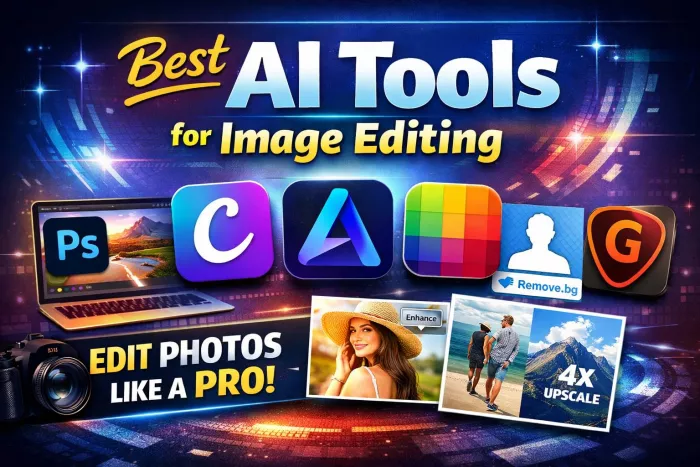
Below are the 6 best AI tools for image editing, explained in simple terms.
1. Adobe Photoshop (with Generative AI)
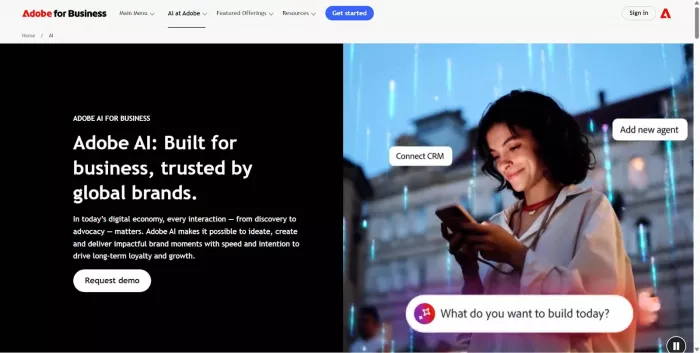
What It Is
A professional photo editing software that now includes powerful AI features like Generative Fill.
Key Features
● AI object removal
● Background replacement
● Generative Fill (add or extend images)
● Smart portrait retouching
● Advanced color correction
● Image upscaling
Best Use Cases
● Professional photography
● Marketing campaigns
● Graphic design
● Detailed image manipulation
Pros
● Industry-standard quality
● Extremely powerful
● Endless editing possibilities
Limitations
● Paid subscription
● Can feel overwhelming for beginners
2. Canva (AI-Powered Editor)
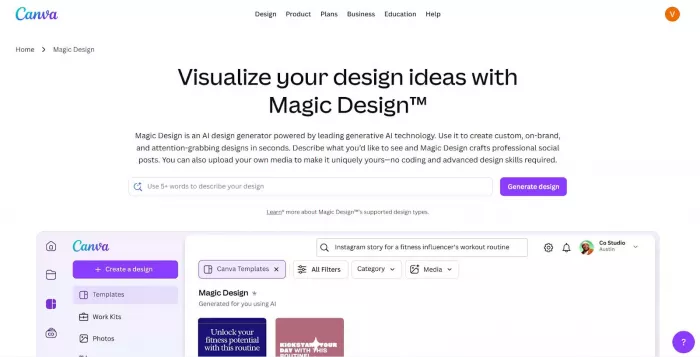
What It Is
An easy-to-use online design tool with built-in AI editing features.
Key Features
● 1-click background remover
● Magic Eraser (remove objects)
● AI image generator
● Photo enhancement tools
● Ready-made templates
Best Use Cases
● Social media posts
● YouTube thumbnails
● Marketing materials
● Small businesses
Pros
● Beginner-friendly
● Free plan available
● Fast and simple
Limitations
● Limited advanced editing control
● Some AI features require Pro version
3. Luminar Neo
What It Is
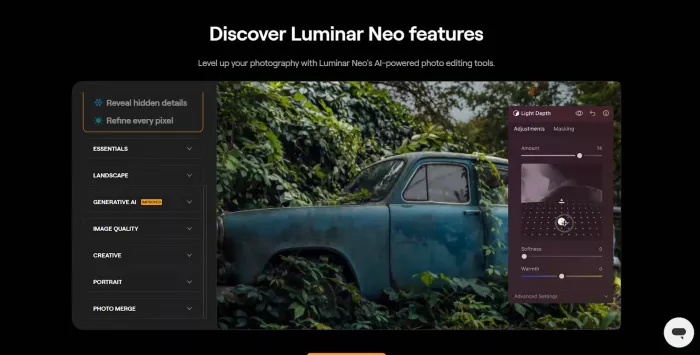
A photo editor built specifically with AI for photographers.
Key Features
● AI sky replacement
● Portrait retouching
● Relight AI (fix lighting after taking photo)
● Background removal
● Noise reduction
Best Use Cases
● Landscape photography
● Portrait editing
● Wedding photos
Pros
● Designed for photographers
● Powerful lighting tools
● Easier than Photoshop
Limitations
● Paid software
● Not ideal for graphic design work
4. Fotor
What It Is
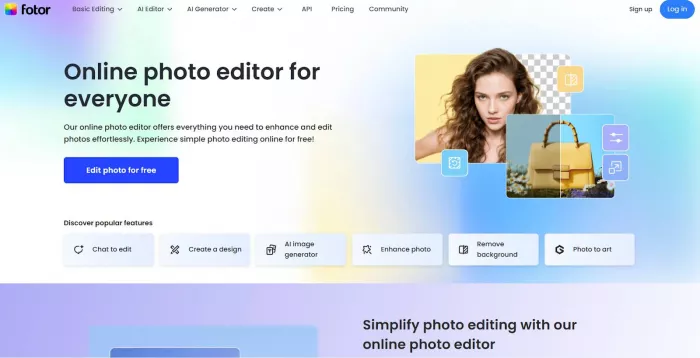
An online photo editor with simple AI enhancement tools.
Key Features
● 1-click photo enhancement
● AI portrait retouching
● Background remover
● Image upscaler
● AI art effects
Best Use Cases
● Quick social media edits
● Profile pictures
● Beginners learning editing
Pros
● Easy to use
● Affordable
● Web-based (no installation needed)
Limitations
● Limited advanced features
● Free version has ads
5. Remove.bg
What It Is
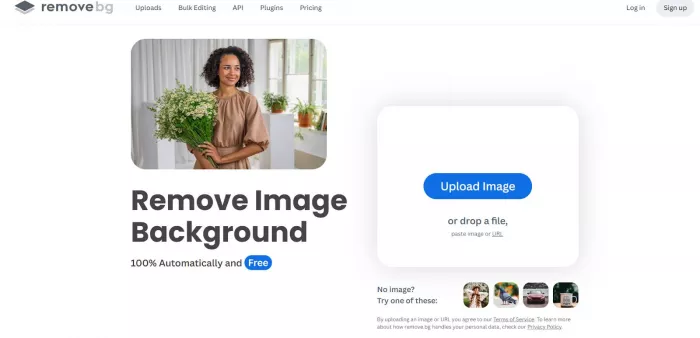
A specialized AI tool that automatically removes backgrounds from images.
Key Features
● Instant background removal
● Bulk image processing
● Transparent PNG export
● API integration for businesses
Best Use Cases
● E-commerce product photos
● Profile pictures
● Marketing materials
Pros
● Extremely fast
● Very accurate
● Simple to use
Limitations
● Only removes backgrounds
● Full-resolution downloads require payment
6. Topaz Gigapixel AI
What It Is
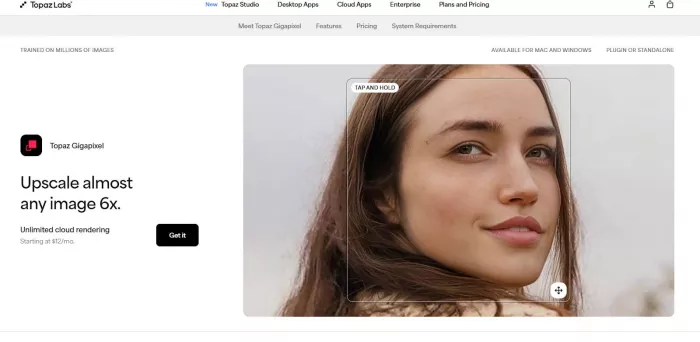
An AI tool designed to increase image resolution without losing quality.
Key Features
● AI image upscaling
● Face recovery
● Noise reduction
● Sharpening
Best Use Cases
● Printing large photos
● Restoring old images
● Improving low-resolution pictures
Pros
● Excellent quality results
● Great for professionals
Limitations
● Focused mainly on upscaling
● Paid software
Conclusion
AI image editing tools make professional-quality editing accessible to everyone. You no longer need years of training to:
● Remove unwanted objects
● Change backgrounds
● Improve lighting
● Fix blurry photos
● Create social media graphics
If you're just starting out, begin with Canva or Fotor.
If you're serious about photography or design, consider Adobe Photoshop or Luminar Neo.
The best tool is the one that fits your workflow and helps you create faster without making editing complicated.


Comments