Best Alternatives to Opus Clip for AI Video Clipping and Short-Form Content Creation



Introduction
Short-form videos are dominating platforms like TikTok, Instagram Reels, and YouTube Shorts because they are fast, engaging, and easy to consume. Creators no longer need to manually edit hours of content—AI tools can now turn long videos into viral-ready clips in minutes.
This article is for YouTubers, podcasters, marketers, educators, and content creators who want smart, beginner-friendly alternatives to Opus Clip for repurposing long videos into short, shareable content.
1. Klap
What it is
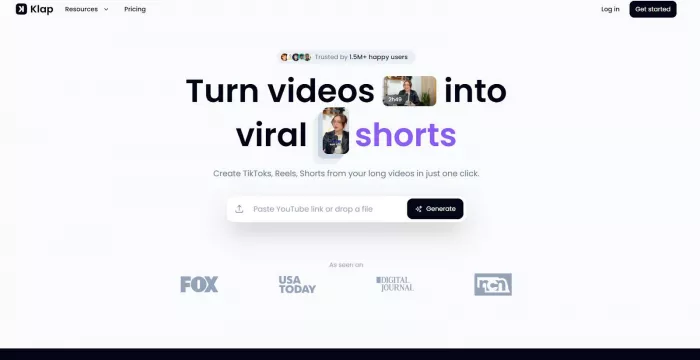
Klap is an AI video clipping tool designed to quickly transform long videos into short-form clips optimized for social media. Klap
Key features
● Automatic highlight detection
● AI captions with emojis
● Vertical video resizing (9:16)
● Social-media-ready exports
How it compares to Opus Clip
Klap is simpler and more beginner-friendly, while Opus Clip offers more advanced virality scoring.
Best use cases
● Solo creators
● YouTubers repurposing content
● Beginners who want fast results
Pricing overview
● Free trial available
● Paid plans start around $23/month
Pros
● Very easy to use
● Fast auto-clipping
● Clean interface
Cons
● Fewer advanced customization options
● Limited analytics compared to Opus Clip
2. Vizard AI
What it is
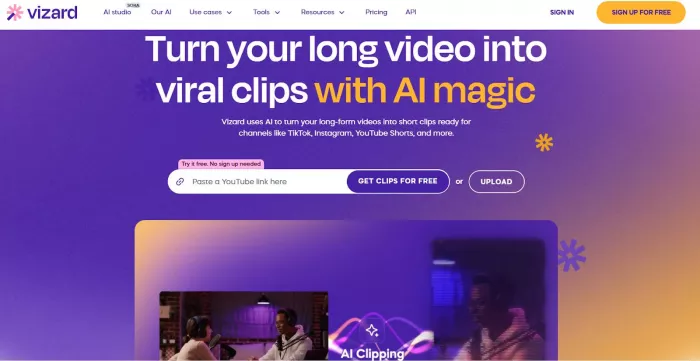
Vizard AI focuses on turning long-form videos into multiple short clips with minimal effort. Vizard AI
Key features
● AI highlight detection
● Auto captions
● Brand templates
● Team collaboration tools
How it compares to Opus Clip
Vizard AI is stronger for teams and agencies, while Opus Clip focuses more on viral scoring.
Best use cases
● Marketing teams
● Agencies
● Business content creators
Pricing overview
● Free plan available
● Paid plans from $29/month
Pros
● Great for teams
● Branding tools included
● Simple workflow
Cons
● Interface can feel busy
● Clip suggestions can be generic
3. Submagic
What it is
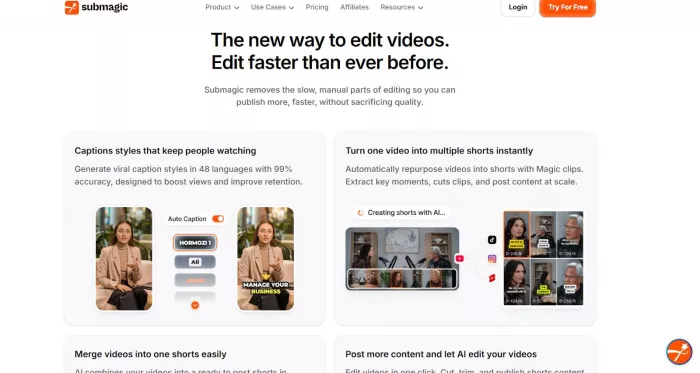
Submagic specializes in eye-catching captions and subtitles for short-form videos. Submagic
Key features
● Animated captions
● Emoji and highlight words
● Fast exports for TikTok & Reels
How it compares to Opus Clip
Submagic focuses more on captions, while Opus Clip focuses on full clip discovery.
Best use cases
● TikTok creators
● Instagram Reels users
● Caption-focused content
Pricing overview
● Limited free version
● Paid plans from $20/month
Pros
● Excellent caption styles
● Very beginner-friendly
● Fast processing
Cons
● No deep clip discovery
● Limited long-form analysis
4. Wisecut
What it is
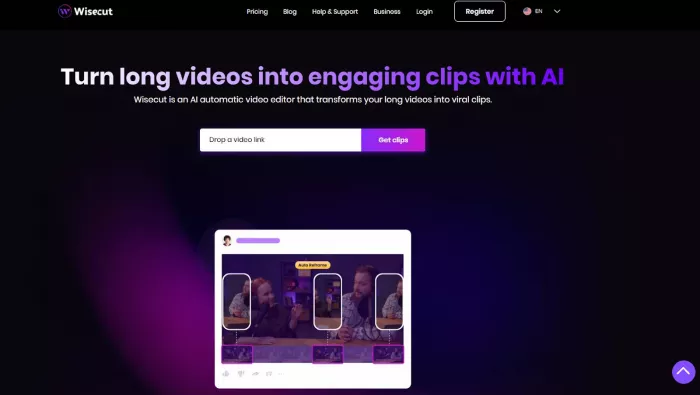
Wisecut uses AI to automatically cut silences and improve pacing in videos. Wisecut
Key features
● Silence removal
● Auto subtitles
● Background music adjustment
How it compares to Opus Clip
Wisecut focuses on clean editing, not viral short discovery like Opus Clip.
Best use cases
● Educators
● Talking-head videos
● Course creators
Pricing overview
● Free plan available
● Paid plans start at $10/month
Pros
● Improves video flow
● Simple editing
● Affordable
Cons
● Not built for viral shorts
● Limited social templates
5. Descript
What it is
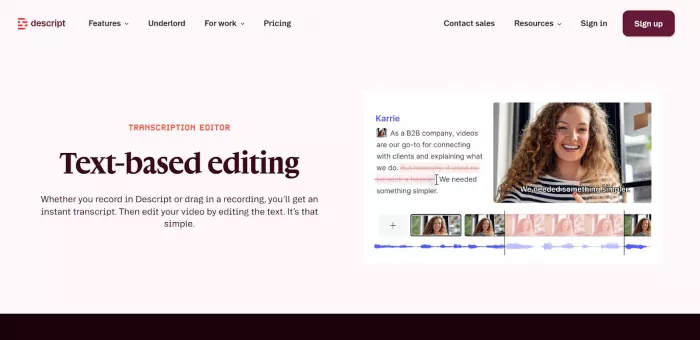
Descript is an all-in-one editor where you edit video by editing text. Descript
Key features
● Text-based video editing
● Screen recording
● Podcast editing
● AI voice tools
How it compares to Opus Clip
Descript is more powerful and flexible, but requires more manual work.
Best use cases
● Podcasters
● Educators
● Professional creators
Pricing overview
● Free plan available
● Paid plans from $12/month
Pros
● Very powerful
● Great for podcasts
● High editing control
Cons
● Steeper learning curve
● Not auto-viral focused
6. CapCut
What it is
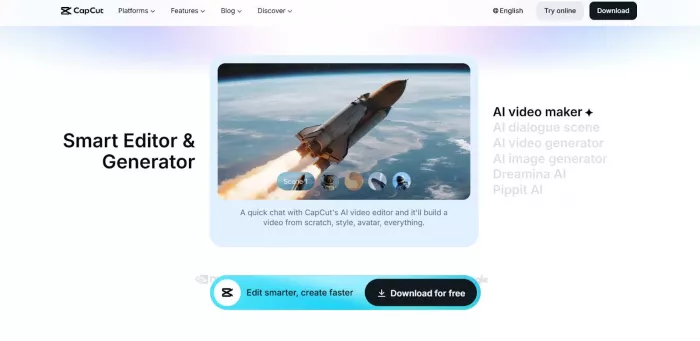
CapCut is a free video editor popular with TikTok creators. CapCut
Key features
● Templates for Shorts & Reels
● Auto captions
● Effects and transitions
How it compares to Opus Clip
CapCut is manual but free, while Opus Clip is automated and AI-driven.
Best use cases
● Beginners
● TikTok creators
● Budget users
Pricing overview
● Mostly free
● Optional paid features
Pros
● Free and powerful
● Easy to learn
● Large template library
Cons
● No AI clip discovery
● Manual editing required
7. VEED.io
What it is
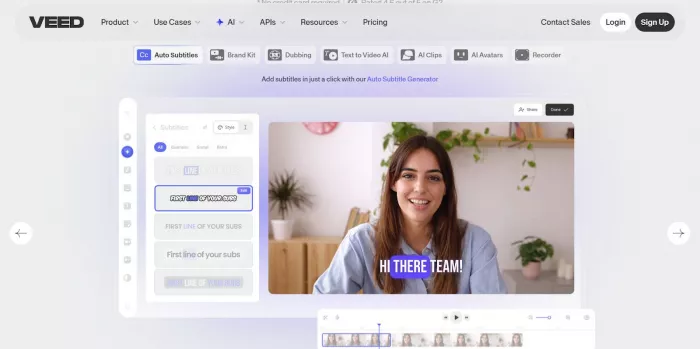
VEED.io is a browser-based video editor with AI tools. Veed.io
Key features
● Auto subtitles
● Video resizing
● Brand kits
How it compares to Opus Clip
VEED.io is more of a general editor, less focused on viral clip detection.
Best use cases
● Marketers
● Small businesses
● Social media managers
Pricing overview
● Free version available
● Paid plans from $18/month
Pros
● No software download
● Simple UI
● Good subtitle tools
Cons
● Slower exports
● Limited AI clipping
8. Pictory
What it is
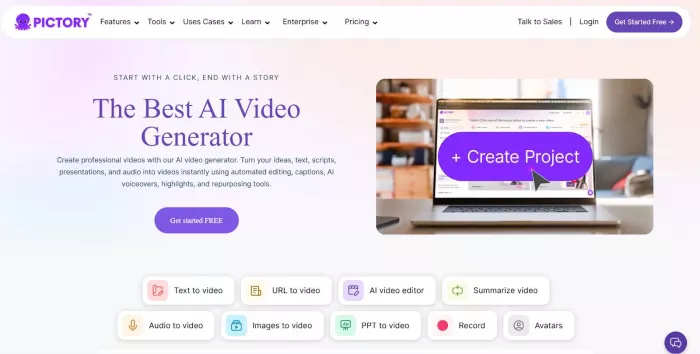
Pictory converts long videos or scripts into short videos automatically. Pictory
Key features
● Script-to-video
● Auto highlights
● Stock visuals
How it compares to Opus Clip
Pictory is better for scripted content, Opus Clip is better for podcasts and interviews.
Best use cases
● Educators
● Coaches
● Marketing videos
Pricing overview
● Paid plans start at $19/month
Pros
● Good for explainer videos
● Easy workflow
● No editing skills needed
Cons
● Less control over clips
● Not ideal for raw podcasts
Emerging AI Clipping Tools to Watch
● AI podcast-to-shorts platforms
● Social-media-specific clip generators
● Tools combining AI clipping + scheduling
These tools are improving rapidly and may soon rival Opus Clip for virality detection and automation.
Final Recommendation Summary
● Best for budget users: CapCut, Wisecut
● Best for beginners: Klap, Submagic
● Best for professional creators: Descript, Vizard AI
● Best for teams & agencies: Vizard AI, VEED.io
● Best for educators & scripted content: Pictory, Wisecut


Comments