6 Best AI Landing Page Builders in 2026: Features, Pros, Cons & Pricing


Why Landing Pages Matter for Conversions
Landing pages are special web pages designed to convert visitors into subscribers, leads, or customers. Unlike regular websites, they have one goal — get a visitor to take action (like sign up, buy something, or download an ebook). A fast, well-written, and persuasive landing page can dramatically increase conversions — and that’s exactly why smart creators are turning to AI tools to automate and simplify the process.
Now, let’s explore some of the top AI options you can use in 2026.
Best AI Tools for Landing Page Creation
1. MakeLanding
What it is:
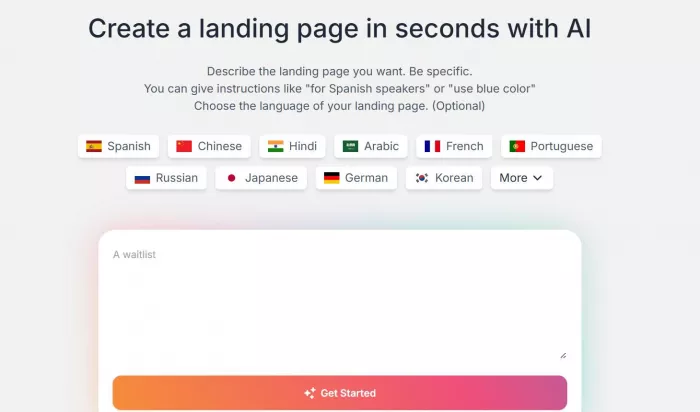
MakeLanding is an AI-powered landing page builder that generates complete pages from simple inputs like your business details and goals. It uses templates and AI to fill in structure, copy, and design.(MakeLanding)
Key Features
1. AI landing page generation from prompts
2. AI-generated images and illustrations
3. SEO-friendly pages
4. Pre-made templates
5. Simple editor for customization
Pros
1. Quick setup
2. Good for beginners
3. Affordable pricing tiers
4. Simple editor and AI content generation
Cons
1. Limited advanced design freedom
2. Analytics and integrations only in higher tiers
Pricing (approx.)
1. Starter: $9/mo — up to 10 pages
2. Pro: $19/mo — custom domain + analytics
3. Premium: $29/mo — API access
Best For:
Small businesses, solopreneurs, and beginners who want an affordable, fast landing page solution.
2. Unbounce
What it is:
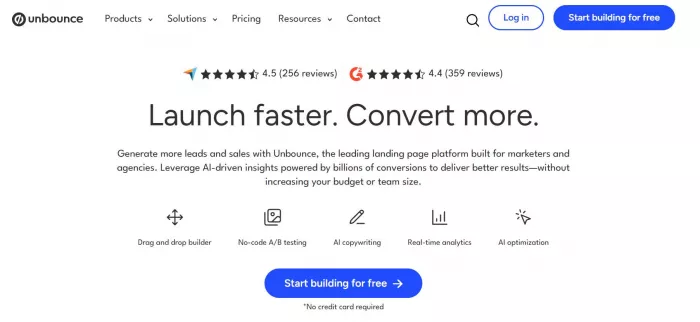
Unbounce is a well-known landing page platform with AI tools built in, especially focused on conversion optimization.(Unbounce)
Key Features
1. Drag-and-drop editor
2. 100+ templates
3. AI copy generation (Smart Copy)
4. A/B testing
5. Custom domains & forms
Pros
1. Very strong conversion tools
2. Built-in testing + optimization
3. Good integrations with email/CRM tools
Cons
1. Higher price for beginners
2. Can feel advanced at first
Pricing:
1. Build: ~$99/mo
2. Experiment: ~$149/mo
3. Optimize: ~$249/mo
(Annual subscriptions reduce cost)
Best For:
Marketers, agencies, and businesses serious about testing and driving high conversions.
3. Sitekick AI
What it is:
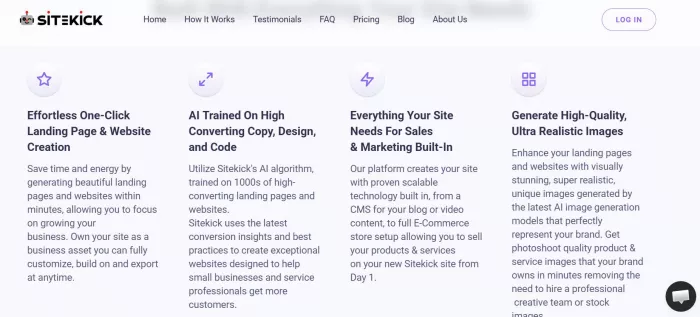
Sitekick is a no-code AI landing page and website builder that automatically generates full pages from prompts and offers easy edits.(Sitekick)
Key Features
1. AI-generated designs
2. Built-in copywriting + SEO tools
3. Hosting + domain support included
4. Drag-and-drop editor
Pros
1. Easy to use
2. All-in-one platform: design, domain, hosting
3. Scalable for multiple pages
Cons
1. Entry plan may be limited
2. Less advanced design customization than bigger platforms
Pricing:
Starts ~US $20/mo for basic higher plans for more websites and pages.
Best For:
Small teams and entrepreneurs needing both websites and landing pages with minimal effort.
4. Hostinger AI Website Builder
What it is:
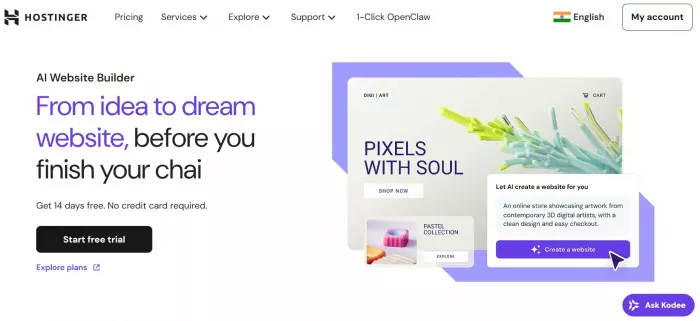
Hostinger’s AI-powered builder creates landing pages and websites based on a text description you give. It’s beginner-friendly and part of Hostinger’s hosting ecosystem.(Hostinger)
Key Features
1. AI landing page generator
2. Drag-and-drop editing
3. AI image generator + AI SEO tools
4. Ecommerce support
Pros
1. Super beginner-friendly
2. Great bundle with hosting
3. Includes tools beyond just landing pages
Cons
1. Not as advanced for conversion testing
2. Some features limited to higher plans
Pricing:
Varies by plan, but ad-hoc monthly options start ~$11.99/mo with longer terms cheaper.
Best For:
Beginners, bloggers, and small business owners wanting a simple start.
5. Easypage
What it is:
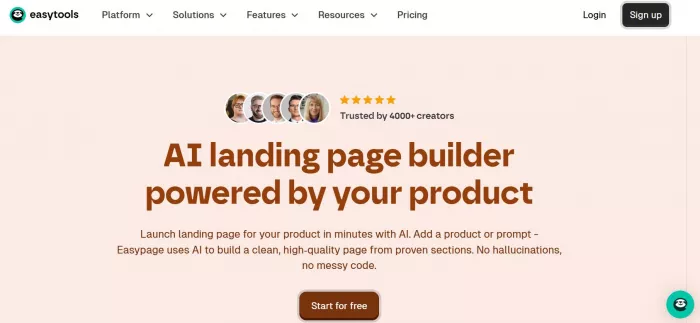
A lightweight AI landing page builder that generates a complete page from your product or prompt and lets you edit via drag-and-drop.(Easypage)
Key Features
1. AI draft generation
2. Real-time editing
3. Clean layouts
4. No coding needed
Pros
1. Fast page creation
2. Clean output
3. Easy to customize
Cons
1. Less known brand and fewer advanced tools
2. Might need another service for hosting
Pricing:
Free plan available paid options may unlock more exports/features.
Best For:
Creators on a budget or quick test campaigns.
6. Mobirise AI
What it is:
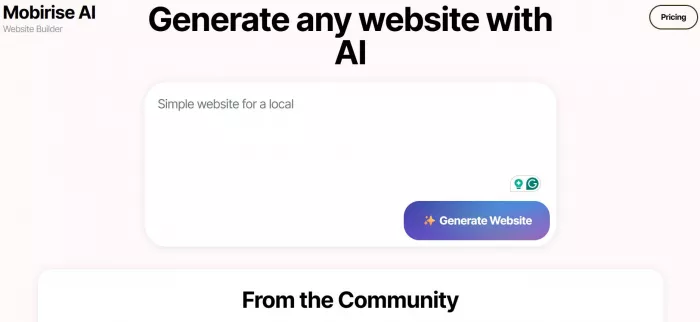
Mobirise AI is an AI site/landing page generator that builds mobile-friendly pages from simple prompts no coding or hosting setup required at first.(Mobirise AI)
Key Features
1. Prompt-based landing page generation
2. Clean code and fast loading
3. Works in browser
Pros
1. Freeware option (no core license fee)
2. Great for simple pages
3. Fast and flexible
Cons
1. Not a fully hosted platform
2. Less marketing automation
Pricing:
Free (with optional paid add-ons).
Best For:
DIY designers, freelancers, and tech-savvy creators who want more control.
Quick Tips for Choosing the Right AI Tool
1. Beginner Friendly: Choose tools with drag-and-drop and guided AI generation (like Hostinger or Easypage).
2. Conversion-Focused: If your goal is sales and leads, pick platforms with A/B testing and analytics (like Unbounce).
3. Budget-Friendly: Lifetime or low-tier plans (MakeLanding, Mobirise AI) save money.
4. All-in-One Needs: If you want domain, hosting, and landing pages in one, look at Sitekick or Hostinger.


Comments