Best Tools for No-Code Website Creation 2026 : Which One Should You Choose?



Tool-by-Tool Breakdown
Wix
What it does best
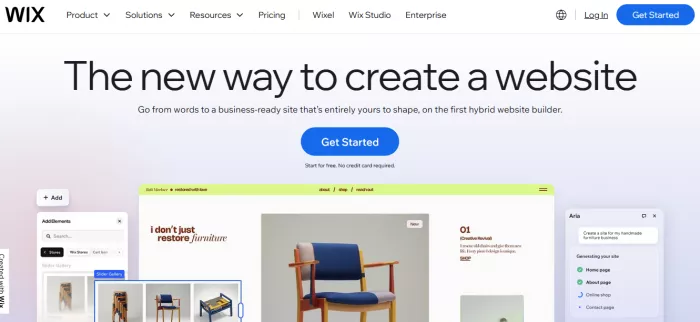
Wix is built for speed and simplicity. It allows users to launch a functional website within hours using drag-and-drop editing and pre-built templates. For small businesses, freelancers, and local services, this removes the need for technical setup entirely.
Its App Market adds functionality such as booking systems, forms, and basic e-commerce without requiring code. This makes it practical for users who want an all-in-one system with minimal configuration.
Where it struggles
Wix trades flexibility for ease of use. Once a template is chosen, switching layouts becomes difficult. The platform also limits deep customization, which becomes a problem for scaling businesses or complex websites.
Performance and SEO control are also less advanced compared to Webflow or WordPress, especially for larger sites.
Key details
● Drag-and-drop builder with 800+ templates
● Built-in hosting and domain management
● App marketplace for added features
● Limited backend control
Pricing: Free, Light $16/month, Core $27/month, Business $32/month
Ratings: G2 4.2, Capterra 4.4
Best for: Beginners and small business websites
Webflow
What it does best
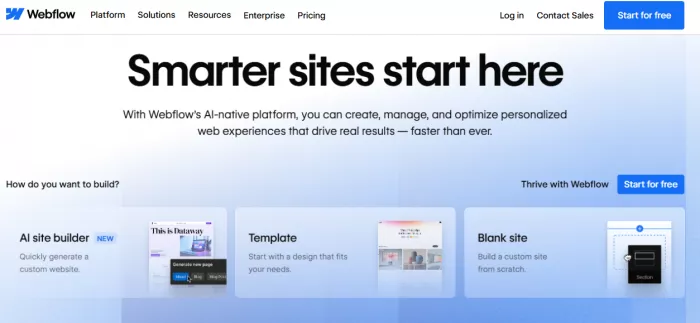
Webflow offers near front-end development control without writing code. It allows users to design responsive layouts, animations, and interactions with precision.
This makes it ideal for designers and agencies who want full control over layout and behavior. Its CMS is also structured, making it effective for content-driven websites that require dynamic pages.
Webflow bridges the gap between no-code and professional development workflows.
Where it struggles
Webflow has a steeper learning curve than most no-code tools. Users must understand layout systems, spacing, and responsive design concepts.
It is also more expensive at scale, especially when combining site plans, CMS features, and hosting.
Key details
● Visual development with CSS-level control
● Advanced animations and interactions
● Built-in CMS for dynamic content
● Requires design knowledge
Pricing: Free, Basic $14/month, CMS $23/month, Business $39/month
Ratings: G2 4.4, Capterra 4.6
Best for: Designers and advanced users
Squarespace
What it does best
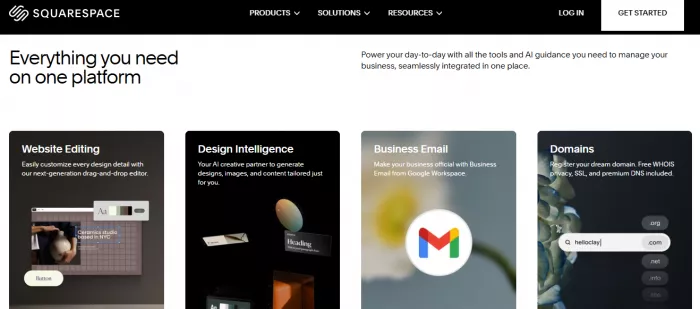
Squarespace focuses on design consistency and ease of use. It provides professionally designed templates that require minimal adjustment to look polished.
This makes it particularly effective for portfolios, personal brands, and creative businesses. The platform includes built-in tools for blogging, scheduling, and light e-commerce.
Users can launch visually strong websites without needing design expertise.
Where it struggles
Squarespace limits deep customization. While templates look good, they restrict layout flexibility compared to Webflow or WordPress.
It is also not optimized for large-scale e-commerce or complex content systems.
Key details
● High-quality templates with strong visual design
● Built-in blogging and marketing tools
● Simple editing experience
● Limited customization depth
Pricing: Personal $16/month, Business $23/month, Commerce $27/month
Ratings: G2 4.4, Capterra 4.6
Best for: Creators and portfolio websites
Shopify
What it does best
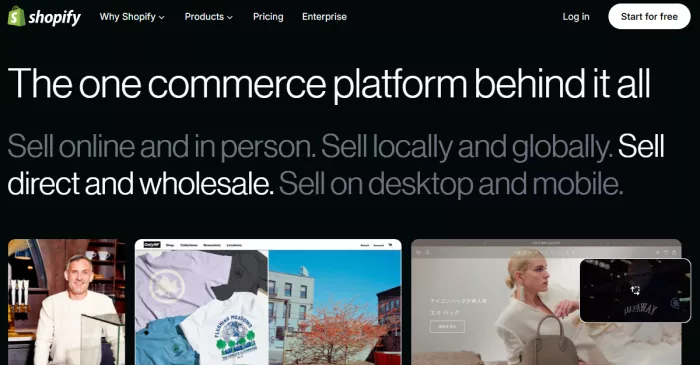
Shopify is optimized specifically for e-commerce. It handles inventory, payments, shipping, and order management in a unified system.
This makes it the most reliable option for selling products online. Its app ecosystem allows businesses to extend functionality with marketing tools, analytics, and automation.
Shopify reduces operational complexity, which is critical for scaling online stores.
Where it struggles
Shopify is not ideal for non-e-commerce websites. Content flexibility is limited compared to WordPress or Webflow.
Costs also increase significantly with apps, transaction fees, and advanced plans.
Key details
● Full e-commerce infrastructure
● Secure payment processing and checkout
● Large app ecosystem
● Limited flexibility outside commerce
Pricing: Basic $39/month, Shopify $105/month, Advanced $399/month
Ratings: G2 4.4, Capterra 4.5
Best for: Online stores and e-commerce businesses
WordPress
What it does best
WordPress offers maximum flexibility and scalability. It powers over 40% of websites globally, largely due to its plugin ecosystem and customization capabilities.
Users can build anything from blogs to enterprise-level platforms. SEO control, content management, and integrations are significantly more advanced compared to most no-code tools.
It is the most adaptable option for long-term growth.
Where it struggles
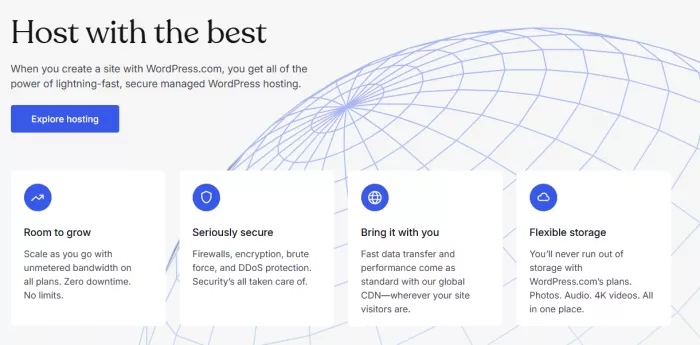
WordPress requires more setup and maintenance. Hosting, security, updates, and plugin management are the user’s responsibility.
Without proper configuration, performance and security issues can arise.
Key details
● Open-source with full customization
● Thousands of plugins and themes
● Strong SEO and content capabilities
● Requires hosting and maintenance
Pricing: Free software, Hosting ~$5–$25/month
Ratings: G2 4.4, Capterra 4.6
Best for: Blogs and scalable websites
Quick Comparison Table: No-Code Website Builders
| Tool | Best for | Ease of Use | Customization Level | Pricing (Exact) | Ratings |
| Wix | Beginners, small business sites | Very easy | Medium | Free, Light $16/mo, Core $27/mo, Business $32/mo | G2: 4.2, Capterra: 4.4 |
| Webflow | Designers, advanced users | Moderate | Very high | Free, Basic $14/mo, CMS $23/mo, Business $39/mo | G2: 4.4, Capterra: 4.6 |
| Squarespace | Portfolios, creators | Easy | Medium-high | Personal $16/mo, Business $23/mo, Commerce $27/mo | G2: 4.4, Capterra: 4.6 |
| Shopify | E-commerce | Easy | Medium | Basic $39/mo, Shopify $105/mo, Advanced $399/mo | G2: 4.4, Capterra: 4.5 |
| WordPress | Blogs, scalable sites | Moderate | Very high | Free (software), Hosting ~$5–$25/mo | G2: 4.4, Capterra: 4.6 |
Final Verdict
Webflow is the best overall tool for users who want control, scalability, and professional-grade output.
Wix is the best choice for beginners who need a website quickly without technical complexity.
WordPress is the strongest option for long-term growth and content-driven platforms.
Shopify is the only serious choice for e-commerce. It outperforms all other tools in that category.
Squarespace fits users who prioritize design and simplicity over flexibility.
No-code tools should be avoided when projects require complex backend logic, custom applications, or highly specialized performance optimization. In those cases, traditional development becomes necessary.


Comments