Beyond Canva: Tools That Fix Repetition, Control, and Scaling Issues


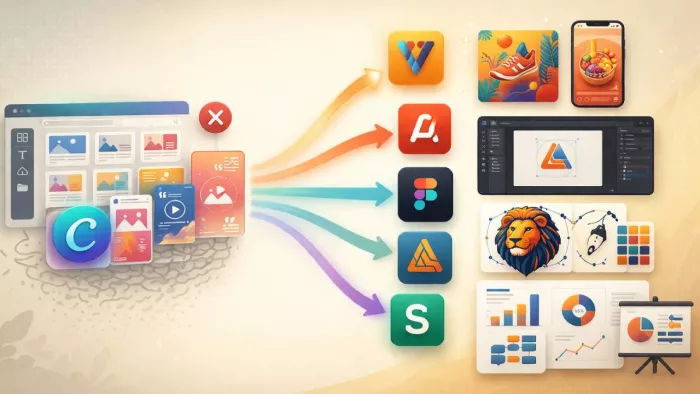
When Social Media Designs Start Feeling Repetitive
If Canva is starting to feel visually repetitive, the problem is usually not capability but originality. The same templates, layouts, and styles show up everywhere, which makes it harder to stand out.
Tools like VistaCreate and Adobe Express solve this problem without changing your workflow too much.
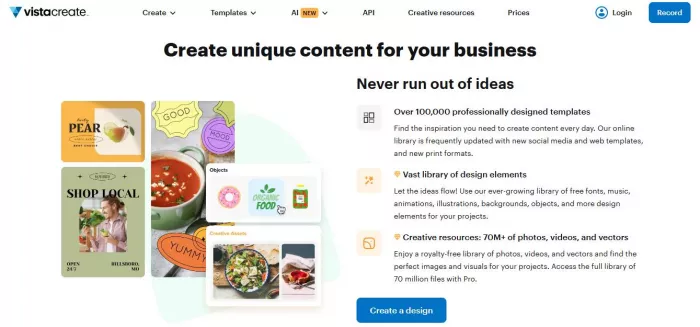
VistaCreate feels very close to Canva in terms of usability, but the design library is less saturated. The templates feel fresher, and there is slightly more flexibility in how you customize them. You can switch between formats quickly, and the interface remains simple. Pricing starts free, with paid plans around $10 per month. Ratings generally sit around 4.6 on Capterra, which reflects strong usability. (https://create.vista.com/)
Adobe Express goes a step further in polish. It connects with Adobe’s ecosystem, which means better asset quality, stronger typography, and smoother exports. Designs feel more refined compared to Canva’s default output. Pricing is around $9–10 per month, and ratings stay close to 4.5 across platforms. (https://www.adobe.com/in/express/)
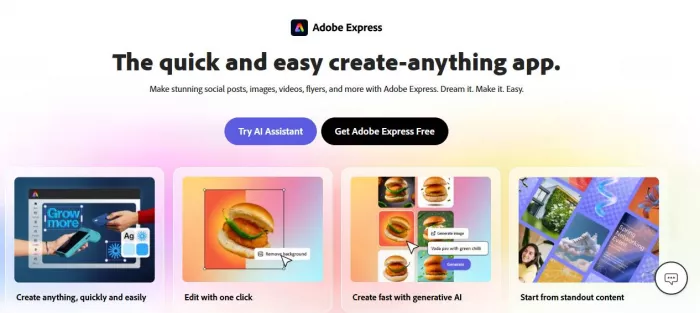
What improves here is visual output and asset quality. What does not change much is depth. Both tools still rely on templates, so they do not give full creative freedom.
For users focused on social media, this is usually enough. You get better-looking designs without changing how you work.
When You Need Real Design Control
At some point, the limitation is not templates but precision. This is where Canva starts to fall apart for more serious design work.
Tools like Figma and Affinity Designer operate in a completely different category.
Figma is built for structured design. It is widely used for UI design, branding systems, and collaborative workflows. The free plan is strong, and paid plans start around $12 per month. Ratings are consistently high, often around 4.7 on G2. (https://www.figma.com/design/)
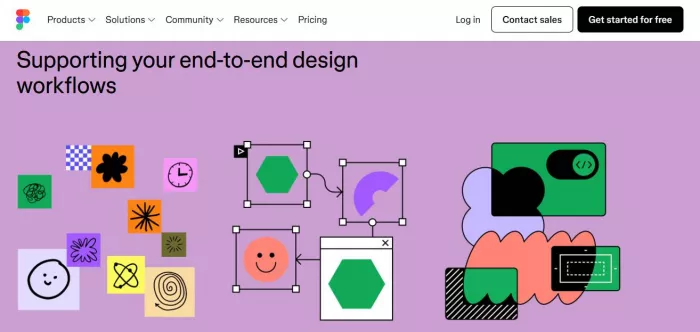
What feels better than Canva is control. You can design from scratch without relying on templates. Layouts, spacing, and components are precise. Collaboration is also much stronger. Teams can work in real time without confusion.
But this comes with a cost. Figma requires learning. It does not guide you the way Canva does. You need to understand how to build layouts yourself.
Affinity Designer is even more focused on professional design. It is a one-time purchase of around $70, which makes it attractive for users who want to avoid subscriptions. It offers vector-level precision similar to tools like Adobe Illustrator. (https://www.affinity.studio/)
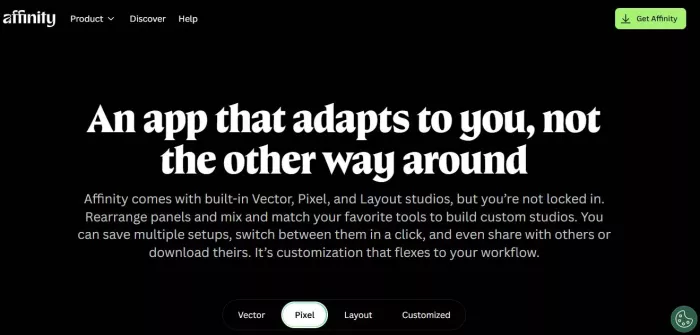
Performance and control are improved, and usability becomes harder. There are no templates, and the interface is not beginner-friendly.
These tools are not replacements for Canva. They are upgrades in capability, but they require a different mindset.
When You Just Want Something Faster
Sometimes Canva does not feel limiting because of features, but because it still requires too many steps for simple tasks.
In these cases, tools like Snappa work better.
Snappa focuses entirely on speed. The interface is minimal, and you can create designs quickly without navigating multiple panels or settings. Pricing starts free, with paid plans around $10 per month. (https://snappa.com/)
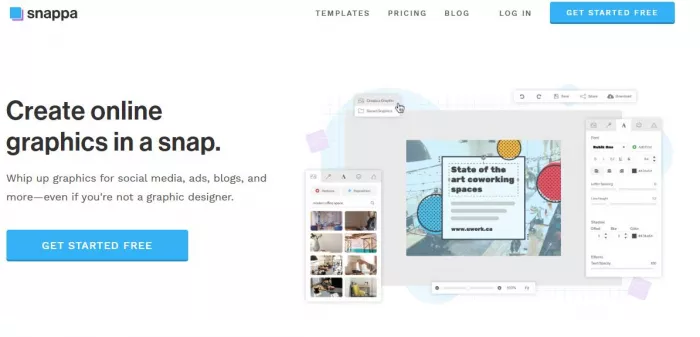
What feels better is efficiency. You spend less time adjusting layouts and more time finishing designs.
But the limitation is obvious. It is even more restricted than Canva. If you need variety or advanced customization, it will not be enough.
This type of tool works best for users who value speed over flexibility.
When You Want More Than Just Design
Some users outgrow Canva not because of design limitations, but because they need a broader content system.
They want presentations, infographics, reports, and visuals in one place. This is where Visme becomes relevant.
Visme combines design with presentation tools and basic data visualization. It is closer to a content platform than a design tool. Pricing starts around $12–15 per month, with ratings around 4.5 on Capterra. (https://www.visme.co/)
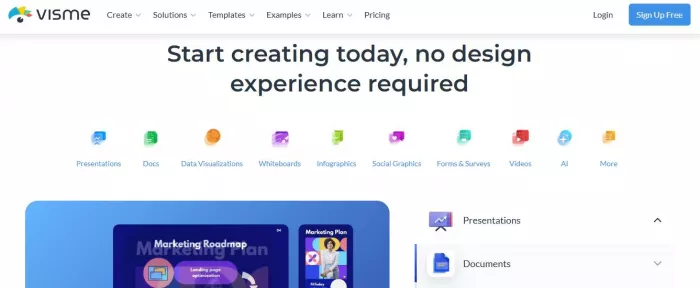
What improves is versatility. You can create more types of content without switching tools.
What becomes harder is speed. It is not as quick as Canva for simple designs. There is more structure to navigate.
For business users, this trade-off often makes sense. For casual users, it can feel unnecessary.
Quick Comparison Table
| Tool | Starting Price | Best For | Limitation |
| VistaCreate | Free / ~$10/month | Social media designs | Still template-driven |
| Adobe Express | ~$9–10/month | Polished quick designs | Limited control |
| Figma | Free / ~$12/month | Professional design | Learning curve |
| Affinity Designer | ~$70 one-time | Advanced graphics | Not beginner-friendly |
| Snappa | Free / ~$10/month | Fast simple designs | Very limited flexibility |
| Visme | ~$12–15/month | All-in-one content | Slightly slower workflow |
What You Should Actually Choose
● Snappa works best when speed matters most, since it removes unnecessary steps and keeps the entire design process quick and distraction-free
● VistaCreate and Adobe Express make more sense when social media designs start feeling repetitive, as they offer fresher templates and slightly better visual output without adding complexity
● Figma becomes the right choice when full control is needed, while Affinity Designer is better suited for precise, detail-heavy graphic work that goes beyond template-based design
● Visme fits better when the need extends beyond design into presentations, reports, and data visuals, offering a more complete content workflow in one place
● Canva still holds value for users who prefer simplicity and speed, especially when customization and advanced control are not a priority
● The final decision should be based on what Canva is no longer solving, since choosing a tool based on actual workflow needs leads to better results than simply picking the most feature-rich option


Comments