Which AI Image Generator Is Actually Worth Using in 2026?




AI image generators are no longer niche art toys. In 2026, they are being used for ad concepts, product mockups, storyboards, pitch decks, social graphics, book covers, game assets, packaging ideas, and commercial illustration. The buying decision has also become more practical. Most users are no longer asking whether AI can make images. They are asking which system gives them the right mix of image quality, prompt control, speed, and pricing efficiency. Those four factors now separate the serious tools from the disposable ones.
Midjourney is still the benchmark for artistic output
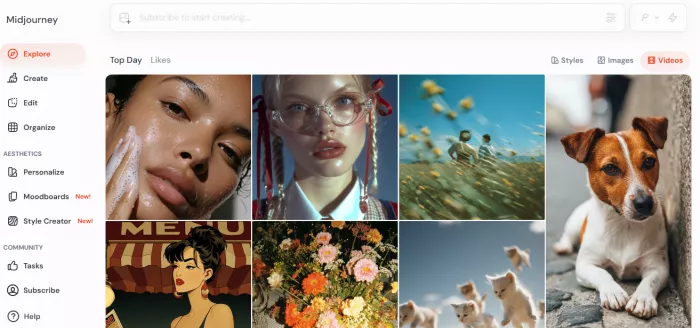
Midjourney’s appeal has not changed much, but its position has matured. It is still where many professionals go when they want the most visually striking first draft rather than the most literal one. Lighting, texture, atmosphere, costume detail, cinematic framing, and painterly cohesion are still Midjourney’s strongest territories. Its official documentation shows four paid plans starting at $10 per month for Basic and moving up to $120 for Mega, with Standard and above unlocking unlimited Relax Mode image generation. That pricing structure matters because Midjourney becomes much better value once you cross out of casual use and into heavier generation volume. (https://www.midjourney.com/)
The trade-off is control. Midjourney often gives you better taste than many rivals, but not always better obedience. If you want exact typography, rigid product positioning, or enterprise-safe repeatability, it can feel more interpretive than disciplined. The platform also still carries workflow friction compared with tools built around cleaner editing canvases or native productivity apps.
G2 review summaries consistently emphasize image quality and detail, while also noting that the interface can feel cluttered and less organized than some competitors. Product Hunt shows Midjourney at 4.7 out of 5 from 78 reviews, which is strong, but that is still a smaller and more community-shaped signal than mainstream SaaS review coverage.
Performance snapshot
● Best quality lane: cinematic scenes, fashion concepts, fantasy, editorial illustration
● Weakest lane: exact text rendering, strict layout control, production-safe brand work
● Best plan value: Standard and above, because unlimited Relax Mode changes the economics at scale
Midjourney is the tool to buy when visual impact is the primary KPI. It is not the best beginner tool, not the best design-tool companion, and not the best pure commercial-control system. But if your output needs to look expensive, it is still near the front of the pack.
OpenAI Images is the strongest general-purpose choice for prompt fidelity
OpenAI’s image stack has become a more practical buying decision because it now sits across both ChatGPT and the API. That changes the audience. You do not need to be an image specialist to use it, and you do not need to switch into a separate creator ecosystem to get useful results. On the API side, OpenAI publishes explicit per-image pricing for GPT Image models, including about $0.042 for a 1024x1024 medium-quality image and about $0.167 for high quality at the same size. On the consumer side, image generation is bundled into ChatGPT plans, with Plus at $20 per month. (https://openai.com/)
Where OpenAI stands out is prompt adherence and editing practicality. It is rarely the most dramatic or atmospheric model in a head-to-head creative contest, but it is one of the easiest to steer. That matters in real work. If you are iterating on a product mockup, refining a scene for a slide deck, or editing around a specific textual instruction, obedience beats aesthetic mystery.
Public review coverage is not massive, but DALL·E 3 currently shows 4.4 out of 5 on Capterra from 21 reviews, and G2 has a DALL·E review footprint of 45 reviews. The review language tends to praise ease of use and versatility while also flagging occasional detail and realism limitations.
Pricing versus output insight
For someone generating rough-to-medium volumes, OpenAI is one of the easiest systems to budget. API pricing is explicit, and ChatGPT Plus gives a mainstream entry point without forcing a separate subscription stack. That makes it especially attractive for marketers, analysts, founders, and teams that want image generation inside an existing AI workflow rather than as a standalone art hobby.
Its weakness is that it is not the most distinctive artistic engine. If your goal is signature style, Midjourney and Leonardo often feel more visually opinionated. OpenAI wins when the task is practical image creation with lower friction and stronger instruction-following.
Leonardo AI has become the most balanced creator platform
Leonardo AI has moved beyond being a secondary Midjourney alternative. Its pricing page now makes that clear. The Essential plan starts at $12 per month with 8,500 monthly fast tokens, while higher tiers move to larger token banks, more simultaneous generations, and relaxed generation modes on upper plans. Team plans and API options are also built directly into the pricing stack, which shows how the company is positioning itself: not just as a toy for prompt artists, but as a production platform for creators and businesses. (https://leonardo.ai/)
What makes Leonardo stand out is balance. It gives users more visible workflow control than Midjourney without becoming as technically exposed as a full Stable Diffusion setup. It also has a stronger creator-market fit than Adobe Firefly.
G2’s seller page shows Leonardo AI at 4.5 out of 5 from 32 reviews, and the review text repeatedly praises speed, image quality, and prompt handling. Capterra’s Leonardo AI listing shows 5.0 out of 5 from 10 reviews, though that is still a small sample. The review base is not huge, but the sentiment is clearly positive.
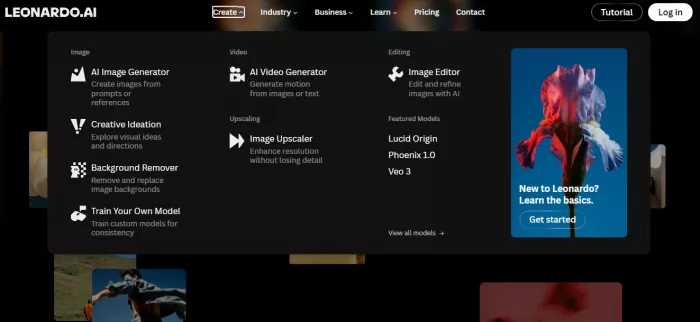
Leonardo is especially effective for people making thumbnails, concept art, social graphics, asset packs, and stylized commercial visuals. It is also better than some rivals at feeling like a platform rather than a single-model product. That matters because serious users care about workflows, not just one-shot output quality. The downside is pricing abstraction. Leonardo’s token system is flexible, but less instantly legible than OpenAI’s per-image pricing or Midjourney’s flat subscription logic. That can be irritating if you want exact cost forecasting. (Leonardo.ai)
Best-fit block
Best use cases for Leonardo AI:
● YouTube thumbnails and creator graphics
● Stylized marketing visuals
● Concept art and ideation
● Users who want more control than Midjourney without self-hosting models
Leonardo is the tool for users who want a modern image-generation workspace rather than just a model endpoint. It does not dominate every category, but it is one of the most rounded products in the market right now.
Adobe Firefly is a commercial design tool, not the most exciting image model
Adobe Firefly should be judged differently from Midjourney and Leonardo. It is not trying to be the most imaginative model on the internet. It is trying to be the most usable one inside Adobe’s creative ecosystem. That is a different target, and for many businesses it is the right target. Adobe’s current Firefly plans in India start with Firefly Standard at ₹797.68 per month including GST, Firefly Pro at ₹1,596.54, and Firefly Premium at ₹15,965.40, with Standard including 2,000 monthly generative credits and unlimited access to standard image features like Generative Fill.
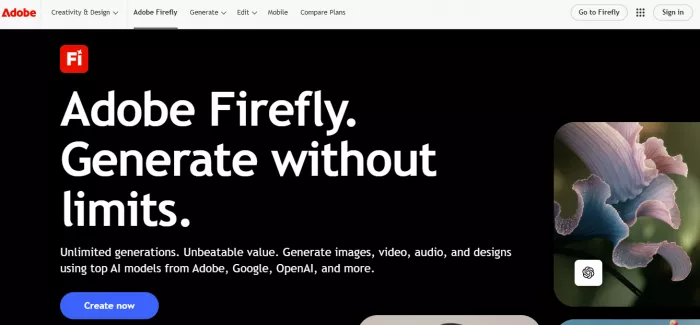
That matters because Firefly’s real strength is workflow adjacency. If your team already works inside Photoshop, Express, or the larger Adobe stack, Firefly is less a separate AI tool and more a new layer inside existing design operations. Capterra lists Adobe Firefly at 4.4 out of 5 from 18 reviews, while G2 shows a much larger review footprint of 279 reviews. The review mix tends to praise integration, ease of use, and useful creative assistance, but also flags output inconsistency on harder prompts and weak text rendering. (https://www.adobe.com/products/firefly.html)
Firefly is weaker than Midjourney on pure artistic surprise. It is weaker than Ideogram on text-heavy graphic generation. It is weaker than Stable Diffusion for users who want extreme model-level customization. But for commercial teams that care about licensing posture, Adobe integration, and predictable handoff into other creative tools, Firefly is one of the most rational choices in the category.
Mini pros and constraints
Pros:
● Best integration with Adobe workflows
● Strong commercial creative fit
● Easier enterprise adoption than most art-first tools
Constraints:
● Not the most exciting image engine
● Text generation still trails Ideogram
● Premium features scale up in cost quickly
Ideogram is the smartest pick when text rendering matters
Most image generators still get exposed when you ask them to produce readable, well-composed text inside an image. That is where Ideogram stands out. Its reputation has become increasingly clear: if the job is poster-like layouts, social creatives, ad concepts, cover text, logos, or phrase-driven visual design, Ideogram is one of the few tools that reliably belongs in the shortlist. Its pricing docs list Free, Plus, Pro, and Team plans, with Plus at $20 per month, Pro at $60 per month, and Team at $30 per member monthly with a two-seat minimum. The Plus plan includes 400 monthly priority credits, which the docs translate to up to 3,200 images per month, while Pro rises to 1,000 priority credits and up to 8,000 images.
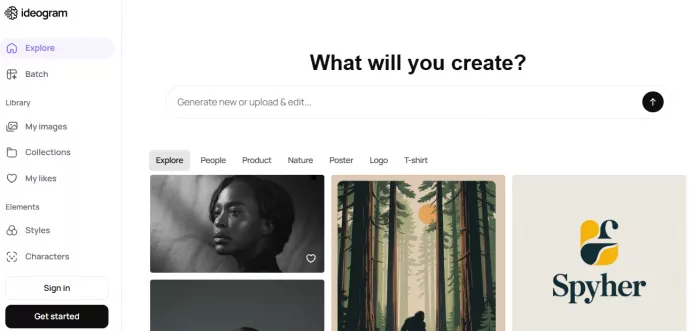
That pricing is interesting because Ideogram is not just competitive on quality. It is competitive on output economics. Using the company’s own published maximum image counts, the Plus plan works out to roughly $0.006 per image at the upper bound, though real cost per image varies with your generation mode and usage pattern. Trustpilot currently shows Ideogram at about 4.5 out of 5 from 131 reviews, which is a meaningful consumer-side signal for a design tool, though Trustpilot is not a perfect SaaS review source. (https://ideogram.ai/)
Ideogram’s weakness is that it is not the default choice for every image job. Midjourney is still stronger for mood-rich artwork. Leonardo often feels broader as a creator platform. Adobe Firefly integrates better into professional design stacks. But if readable on-image text is non-negotiable, Ideogram jumps several places up the ranking immediately.
DreamStudio and Stable Diffusion remain the best route for users who want real control
Stable Diffusion is still important for one reason: openness. Many of the most famous consumer image products are closed systems. Stable Diffusion remains the family of models and workflows for users who want to tune, self-host, customize, or plug image generation into their own infrastructure. DreamStudio is the simplest official front door for that world. Stability AI’s developer pricing remains credit-based, with 1 credit equal to $0.01. Public review coverage is far thinner than for Adobe or Leonardo. Capterra’s DreamStudio listing shows a 4.0 rating from 1 review, while Trustpilot shows a very weak 2.5 TrustScore from 4 reviews. That thin and mixed review footprint is itself a useful signal: DreamStudio is more important technically than it is polished as a mainstream software product.
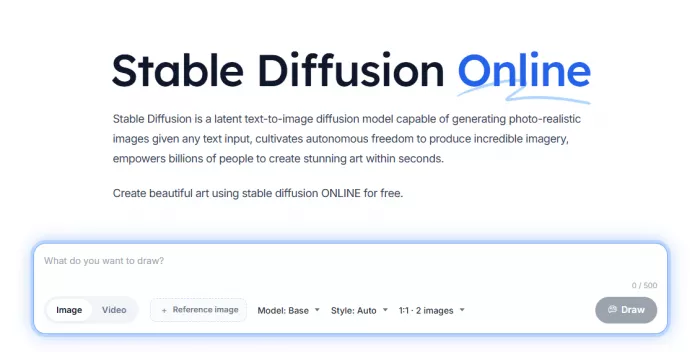
This is the tool family for advanced users, developers, and teams that care about model freedom, not convenience. If you are willing to trade polish for flexibility, Stable Diffusion can still do things closed systems make difficult: deeper model swapping, style-specific tuning, community workflows, and more infrastructure-level control. But the cost of that flexibility is inconsistency. DreamStudio is not the best recommendation for a beginner, and it is not the cleanest commercial tool for nontechnical teams. (https://stablediffusionweb.com/)
Why it still matters
● Most customizable ecosystem in the mainstream image-generation market
● Best fit for developers and tinkerers
● Weakest fit for users who want polished default workflows and strong support expectations
Mid-article comparison: cost, speed, control, commercial fit
| Tool | Cost per Image (Approx) | Speed | Customization Level | Commercial Use |
| Midjourney | Subscription-based, effectively very low at scale on Standard+ because Relax Mode is unlimited | Medium to fast, depending on mode | Medium | Yes, plan-based commercial use |
| OpenAI Images | About $0.042 per 1024x1024 medium-quality API image | Fast | Medium to high | Yes |
| Leonardo AI | Token-based, variable by model and settings | Fast | High | Yes on paid plans |
| Adobe Firefly | Credit-based inside subscription | Fast in Adobe workflow use | Medium | Strong commercial positioning |
| Ideogram | Roughly $0.006/image at the Plus plan’s published upper bound | Fast | Medium | Output rights not restricted |
| DreamStudio / Stable Diffusion | Variable, credit-based | Fast to variable | Very high | Yes, but workflow depends on deployment |
Quick comparison snapshot
| Tool | Starting Price | Image Quality Level | Best For | Rating |
| Midjourney | $10/month | Excellent for style and mood | Artistic and high-end concept work | Product Hunt 4.7/5 |
| OpenAI Images | $20/month in ChatGPT Plus, or API from about $0.042/image at 1024x1024 medium quality | Strong all-rounder | Prompt accuracy, editing, and general-purpose creation | Capterra 4.4/5 |
| Leonardo AI | $12/month | Strong, especially for creator workflows | Thumbnails, assets, stylized commercial art | G2 4.5/5 |
| Adobe Firefly | about ₹797.68/month in India for Firefly Standard | Good, strongest inside Adobe workflows | Commercial creative teams and Adobe users | Capterra 4.4/5 |
| Ideogram | $20/month for Plus | Very strong on text-in-image and design-led output | Posters, ads, typography-heavy visuals | Trustpilot 4.5/5 |
| DreamStudio / Stable Diffusion | credit-based, with pricing starting around $0.02 in Capterra listings and official API credit billing | Highly variable, potentially excellent | Advanced customization and open-model users | Capterra 4.0/5 |
Realism, artistic style, and text rendering: who actually leads
For realism, the best practical group is Leonardo AI, OpenAI Images, and Adobe Firefly. Leonardo is especially strong for polished creator-style realism, OpenAI is strong when the prompt needs to be followed precisely, and Firefly is dependable inside commercial design workflows. Midjourney can produce realism too, but its visual interpretation often leans toward stylization unless pushed carefully.
For artistic style, Midjourney still leads the discussion. Leonardo is close enough to matter, especially for creators who want variety without losing too much control, but Midjourney remains the strongest choice when the image needs to feel cinematic, painterly, moody, or expensive on first impression. Stable Diffusion belongs in this conversation too, though more because of its ecosystem breadth than because DreamStudio itself is the easiest front-end.
For text rendering, Ideogram is the clear standout in this group. Firefly can help with graphics workflows, but Ideogram is the one most consistently associated with readable, useful text inside images. That makes it disproportionately valuable for posters, ads, product hero images, thumbnails, and typography-driven content.
Final verdict
Best for realistic images: Leonardo AI. OpenAI is close, and Adobe Firefly is safer for Adobe-heavy teams, but Leonardo currently offers the best blend of realism, speed, and creator-side control without becoming too technical.
Best for creative and artistic output: Midjourney. Nothing in this list has displaced it as the tool most likely to generate dramatic, gallery-friendly, atmosphere-rich visuals on the first few tries.
Best for beginners: OpenAI Images in ChatGPT. The barrier to entry is low, the workflow is familiar, and the prompt-following is strong enough that beginners waste less time fighting the tool.
Best free option: Ideogram, with a caveat. Its free plan is real, its text rendering is unusually strong, and its paid tiers scale sensibly. Leonardo’s free access is also generous, but Ideogram is the more distinctive free starting point for design-oriented users.
Best for commercial use: Adobe Firefly. Not because it makes the prettiest images, but because commercial teams care about workflow safety, Adobe integration, and predictable handoff more than internet-art prestige.
The blunt answer is this: buy Midjourney for beauty, OpenAI for practicality, Leonardo for balance, Firefly for commercial design work, Ideogram for text-heavy creative output, and Stable Diffusion if you want control badly enough to tolerate extra complexity. There is no single winner because the category has matured past that. The best tool now depends less on hype and more on the kind of image work you actually do.


Comments