7 Best Dreamina AI Alternatives Creators Actually Use in 2026



Dreamina AI is a solid all-in-one creative tool, but it is not always the best fit for every workflow. If you want better style control, stronger branding options, more consistent characters, or a more predictable pricing structure, these Dreamina alternatives are worth a close look.
Why Look Beyond Dreamina
Dreamina AI focuses on fast image and video creation, but users often compare it against tools with more specialized strengths such as photorealism, prompt accuracy, editable text, vector output, or team-friendly design workflows. That makes the “best” alternative depend on what you create most often.
1. Midjourney
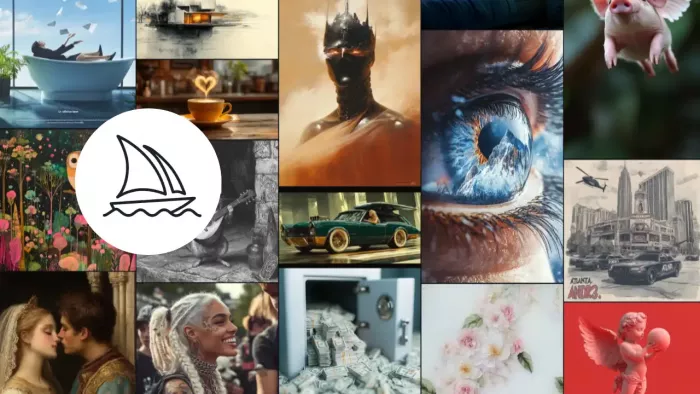
Midjourney remains one of the strongest choices for creators who care about artistic quality and visually striking outputs. It is especially popular for concept art, editorial visuals, and polished promotional images.
Its main strength is image quality. Midjourney also gives you different plan levels with Relax Mode on Standard and above, plus private/stealth options on higher tiers for users who need more control over visibility.
Pros
● Produces highly detailed, cinematic images.
● Strong for stylized art, branding concepts, and moodboards.
● Relax Mode makes high-volume generation easier on higher plans.
Cons
● Not the simplest tool for beginners.
● No truly free long-term plan.
● Less focused on design-editing workflows than some alternatives.
| Pricing Plan | Amount |
| Basic | $10/month |
| Standard | $30/month |
| Pro | $60/month |
| Mega | $120/month |
Why It Beats Dreamina AI
Midjourney wins when image quality matters more than convenience. It is also better for creators who want a stronger artistic look instead of Dreamina’s more general-purpose output style.
2. Adobe Firefly
Adobe Firefly is a strong Dreamina alternative for users who want a design-first AI tool with image, vector, and video features in one place. It is built to sit naturally inside a professional creative workflow.
The latest Firefly updates include Image Model 4, the Firefly Video Model, text-to-vector graphics, generative fill, generative remove, generative expand, and translation tools for audio and video. That makes it especially useful for marketers, designers, and agencies.
Pros
● Excellent for editing and refining images.
● Strong support for vector creation and design workflows.
● Good fit for Adobe users and brand teams.
Cons
● Best value often depends on how deeply you use Adobe tools.
● Can feel more structured than purely creative generators.
● Advanced features may require higher plans or credits.
| Pricing Plan | Amount |
| Firefly Standard | $9.99/month |
| Firefly Pro | $29.99/month |
| Firefly Premium | $199.99/month |
Why It Beats Dreamina AI
Firefly is better if you need polished edits, scalable vector output, and a more complete creative suite. It is also a smarter pick for teams already working inside Adobe’s ecosystem.
3. Leonardo AI
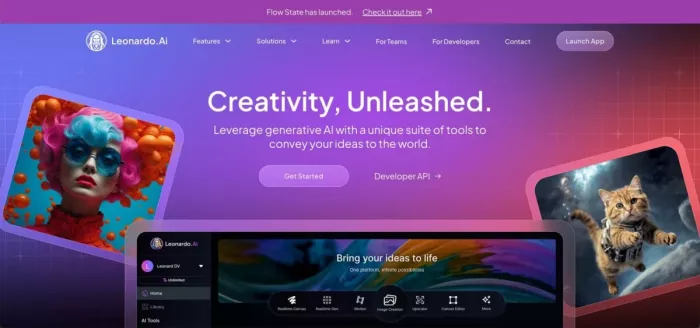
Leonardo AI is a flexible platform for creators who want more control over styles, models, and generation behavior. It works well for marketers, artists, game designers, and anyone who wants repeatable visual output.
Its toolkit includes image generation, video generation, image editing, upscaling, background removal, creative ideation, and model training. The platform also uses a token system, which helps users scale usage based on need.
Pros
● Strong balance of quality and control.
● Good for custom models and consistent styles.
● Useful for both creative and commercial use.
Cons
● Token-based pricing can be harder to track.
● The platform offers many features, which may feel crowded at first.
● Free usage is limited compared with paid tiers.
| Pricing Plan | Amount |
| Free | $0/month |
| Apprentice | $12/month |
| Artisan | $30/month |
| Maestro | $60/month |
Why It Beats Dreamina AI
Leonardo AI wins when you need deeper control, better repeatability, and more customization around output style. It is especially useful for creators who do not want a one-size-fits-all generator.
4. Ideogram
Ideogram is a great Dreamina alternative for text-heavy visuals, logos, social graphics, and clean design output. Its browser-based workflow makes it simple to use without any setup.
One of its biggest strengths is its ability to generate images with readable text, which is something many AI image tools still struggle with. It also offers private generation, image uploads, editing, and bulk creation on higher tiers.
Pros
● Excellent at rendering text inside images.
● Easy to use in a browser.
● Good choice for posters, ads, and social graphics.
Cons
● Less focused on cinematic art than Midjourney.
● Advanced batch and privacy features are locked to higher plans.
● Free plan is useful but limited.
| Pricing Plan | Amount |
| Free | $0/year |
| Basic | $7/year |
| Plus | $16/month |
| Pro | $48/year |
Why It Beats Dreamina AI
Ideogram is stronger than Dreamina when your design needs include readable typography, posters, or branded graphics. It is a practical choice for creators who want text to look intentional, not broken.
5. Recraft
Recraft is built for professional design work, especially when you need vector art, icons, illustrations, and marketing visuals. It stands out because it is not just about generating images; it is about generating assets you can actually use in design systems.
The platform supports raster generation, vector generation, image editing, upscaling, erase-region tools, prompt enhancement, and image vectorization. That makes it useful for creators who want clean, editable outputs rather than only flashy renders.
Pros
● Great for vector and illustration work.
● Good fit for UI, icons, brand assets, and marketing graphics.
● Practical editing tools make it more than a prompt-to-image app.
Cons
● Less known than some bigger AI names.
● Best features can feel more design-oriented than casual.
● Pricing can vary by plan type and billing structure.
| Pricing Plan | Amount |
| Free | $0 |
| Early Recrafter | $25/month billed yearly |
| API Unit Package | $1 for 1,000 API units |
Why It Beats Dreamina AI
Recraft beats Dreamina when the job is design production rather than just image generation. It is especially better for vector assets, icons, and polished marketing visuals that need editing later.
6. Freepik AI Suite
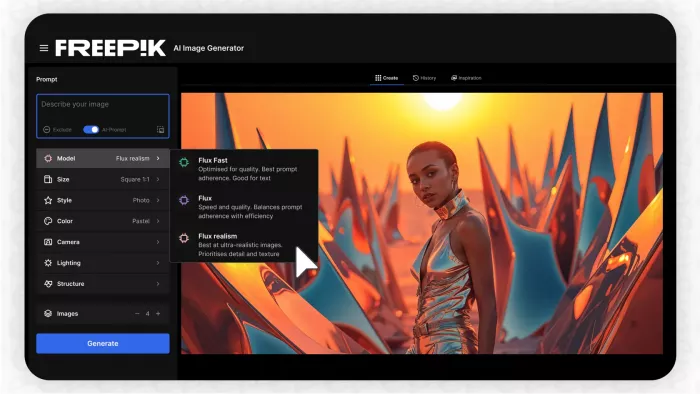
Freepik AI Suite is ideal for creators who want generation, editing, stock assets, and workflow tools in one place. It is a strong pick for marketers, content teams, and designers who need a broad creative stack.
Its pricing pages show multiple plan layers with substantial AI credit bundles, and the suite includes image, video, icon, mockup, and music generation. Higher tiers also add custom model training, premium content access, and stronger output limits.
Pros
● Combines AI creation with stock and design assets.
● Good for teams and content production workflows.
● Credit bundles are useful for high-volume creators.
Cons
● Credit-based plans can take time to understand.
● Some advanced features are tied to higher tiers.
● Can feel broader than Dreamina if you only want quick image generation.
| Pricing Plan | Amount |
| Essential | $5.75/month |
| Premium | $12/month |
| Premium+ | $24.50/month |
Why It Beats Dreamina AI
Freepik AI Suite is better than Dreamina for creators who need a full content pipeline, not just a generator. It also wins for stock-backed design work and teams that want more operational depth.
7. Google Whisk / Flow
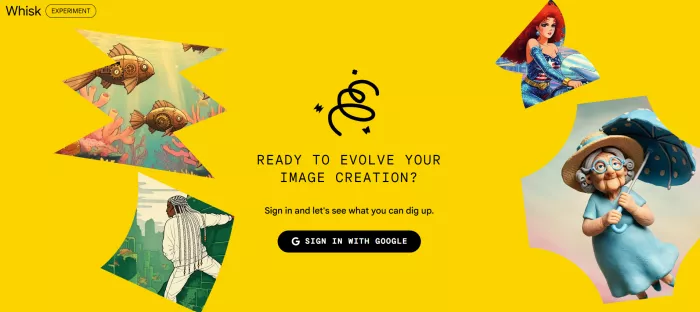
Google Whisk is now moving into Flow, Google’s unified AI image and video creation platform, which makes it a compelling option for users who prefer image-led prompting. It is particularly useful when you want to remix visual ideas quickly instead of writing long prompts.
Whisk’s image-based workflow lets you drag in subject, scene, and style references, then remix them into new results. That is a major advantage for creators who think visually and want a faster ideation process.
Pros
● Fast image-led prompting workflow.
● Great for remixing references and mood-based creation.
● Strong fit for experimentation and visual ideation.
Cons
● Less traditional than text-first tools.
● Product direction is shifting into Flow.
● Not as full-featured for design editing as Adobe or Freepik.
| Pricing Plan | Amount |
| Access via Google AI credits | Pricing depends on the Flow/credits system |
Why It Beats Dreamina AI
Whisk/Flow beats Dreamina when your creative process starts with images, not text. It is a better match for moodboarding, visual remixing, and rapid concept exploration.
Verdict : Best Pick By Use
If you want the highest artistic quality, choose Midjourney. If you want design-friendly editing and professional creative tools, Adobe Firefly is the safer choice. If you need text in images, Ideogram is the clearest winner.
For vector assets and editable design output, Recraft is excellent. For an all-round suite with stock, AI, and workflow depth, Freepik AI Suite is very practical. For custom styles and generation control, Leonardo AI is one of the strongest Dreamina alternatives.
Dreamina AI is useful, but these alternatives offer sharper strengths depending on your goal. The best choice comes down to whether you care more about art quality, branding, text rendering, vector output, or team workflows.


Comments