BarberGPT AI: Can an App Really Show You Your Next Haircut?



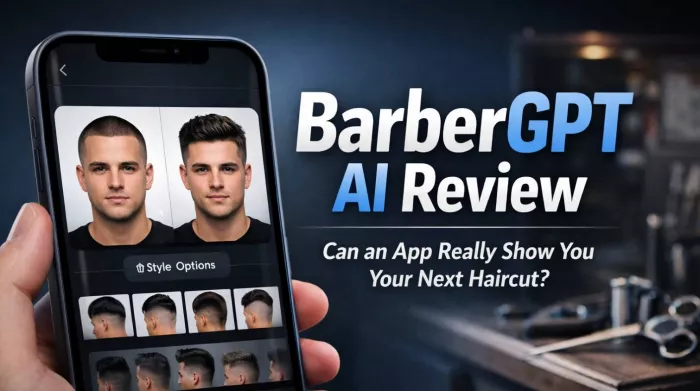
The struggle of finding the right haircut is universal. You walk into a barbershop armed with reference photos that never quite match your face shape, hoping the barber can translate someone else's style onto your head. BarberGPT AI promises to eliminate this guesswork by showing you exactly how different hairstyles would look on you before you ever sit in the chair.
What Makes BarberGPT Different?
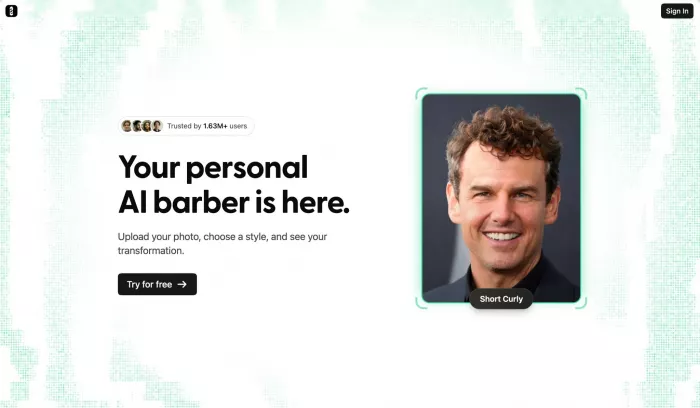
Unlike general photo editing apps that simply paste hair onto your head, BarberGPT uses generative AI to create photorealistic previews that account for your face shape, skin tone, and lighting conditions. The technology is specifically trained on men's hairstyles, making it more focused than general-purpose AI image generators.
The workflow is straightforward: upload a clear photo of yourself, use the masking tool to highlight your current hair area, select from various style categories, and let the AI generate multiple options. Within seconds, you see yourself with a buzz cut, fade, pompadour, or dozens of other styles.
Top 5 Features of BarberGPT
1. Precision Hair Masking
The masking tool lets you define exactly where your hair begins and ends. This manual step ensures the AI understands your hairline, which is crucial for realistic results. Desktop users have better control for detailed masking around complex styles.
2. Extensive Style Library
BarberGPT offers dozens of predefined styles ranging from classic cuts to modern trends. The library covers short styles best, with more variable results for longer hair.
3. Privacy-First Approach
Photos are processed without storing them permanently on servers. This matters for users concerned about uploading personal images to AI services.
4. Credit-Based System
Rather than forcing monthly subscriptions, BarberGPT uses a credit model where you pay only when you generate previews. This fits the sporadic nature of haircut decisions.
5. One-Click Sharing
Generated previews can be saved or shared directly with your barber, making communication easier than describing what you want verbally.
How It Actually Works
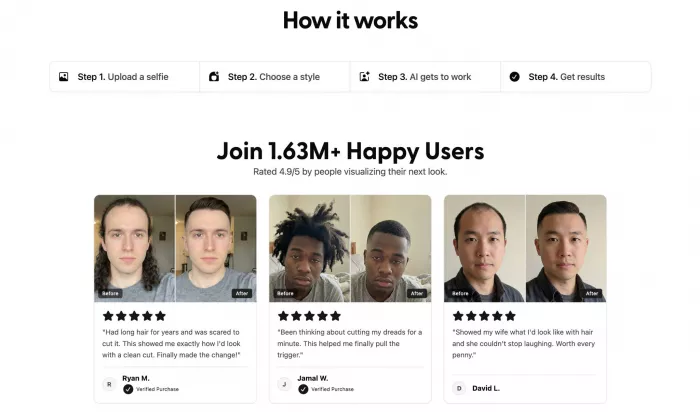
When you submit a photo, BarberGPT first analyzes your facial structure using computer vision algorithms. The system identifies key landmarks: your hairline, face shape, skin tone, and the angle of the photograph. This analysis ensures that generated styles will align properly with your features.
The masking step you complete tells the system which pixels represent your hair versus your face and background. This boundary definition is crucial because the AI needs to know where to end the existing hair and begin the new style. Users who take time with precise masking receive significantly better results than those who rush this step.
The generative AI then creates new hair textures that match your selections while preserving your face, neck, and shoulders. The system uses a diffusion model trained specifically on men's hairstyles, allowing it to understand how different cuts fall, where fades should blend, and how volume should distribute across various face shapes.
Lighting matching happens automatically. The AI analyzes the shadows and highlights in your original photo, then renders new hair with consistent illumination. This is why results look more realistic than simple overlay filters that ignore environmental lighting.
The entire process takes 10–30 seconds depending on server load and complexity of the requested style. Each generation consumes one credit from your account balance.
User Experience by Persona
Different user types report varying experiences with BarberGPT:
The Indecisive Groomer
"I have been getting the same haircut for five years because I was afraid to try something new. BarberGPT let me experiment with ten different styles in one afternoon without any commitment. Finally found a textured crop that looks great on me."
The Professional Barber
"I recommend clients use it before appointments when they struggle to describe what they want. It is not perfect, but it gives us a shared visual reference to work from. Communication improves dramatically."
The Style Curious
"Tried it for fun and showed my girlfriend the results. She immediately vetoed three styles I thought looked cool. Saved me from a terrible decision and some relationship friction."
These varied experiences highlight how BarberGPT serves different needs: pre-appointment consultation, relationship communication, and pure experimentation.
Tips for Best Results
To maximise your BarberGPT experience, consider these recommendations:
● Photo Quality Matters: Use well-lit, front-facing photos with neutral backgrounds. Blurry images or extreme angles reduce generation quality significantly.
● Invest Time in Masking: The five extra minutes spent carefully outlining your hair pays dividends in result accuracy. Zoom in and use small brush strokes around complex areas like sideburns and necklines.
● Start With Similar Lengths: If you currently have long hair, previewing buzz cuts creates dramatic but less realistic results. Smaller length changes produce more believable previews.
● Manage Expectations: Remember that the AI generates possibilities, not promises. Your actual hair texture, growth patterns, and a barber's execution will differ from any digital preview.
● Use Multiple Angles: Generate previews from several photos taken at different angles. This helps you understand how a style works with your face shape from all perspectives.
Pricing Structure
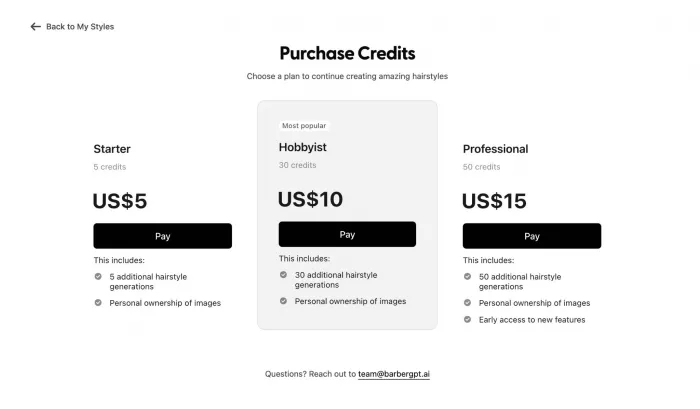
| Package | Credits | Price | Best For |
| Starter | 10 | $5 | Trying 2–3 styles |
| Standard | 50 | $10 | Regular users |
| Pro | 200 | $15 | Stylists/barbers |
Each generation consumes one credit. No subscription is required, making this an affordable tool for occasional use.
Strengths and Weaknesses
| Strengths | Weaknesses |
| Realistic short hair previews | Struggles with long/complex styles |
| No subscription required | Manual masking can be tedious |
| Privacy-focused processing | Limited to men's hairstyles |
| Easy sharing with barbers | No beard or color editing |
| Credit system fits usage | Desktop recommended for best results |
Alternatives Worth Considering
If BarberGPT does not meet your needs, several alternatives offer similar or expanded functionality.
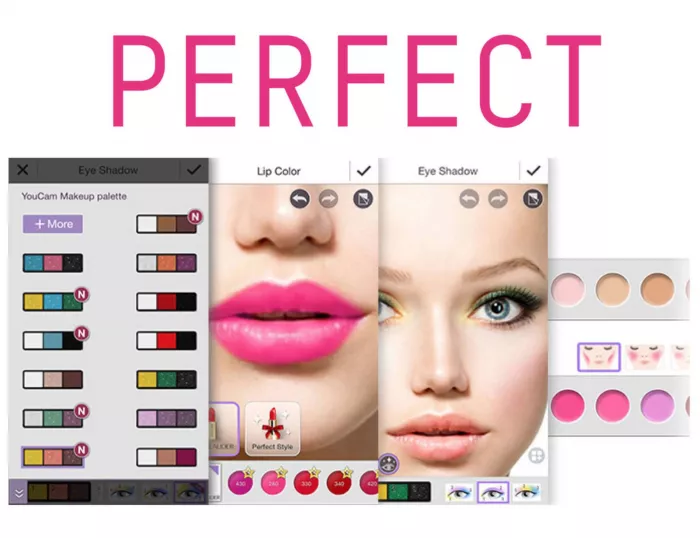
● YouCam Makeup provides broader beauty and hairstyle try-on capabilities, including options for women. Their app includes makeup and accessory features beyond just hair.
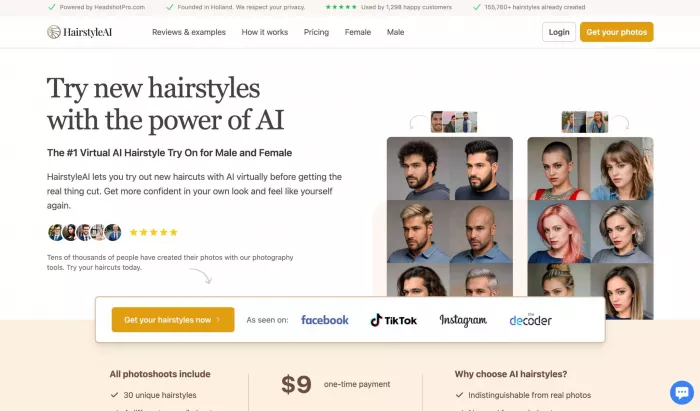
● HairstyleAI offers a comparable service with a focus on both men's and women's styles. Their AI handles longer hair somewhat better, though results still vary.

● VanceAI provides general photo enhancement tools including hairstyle modification as part of their broader image editing suite. Less specialized but more versatile.
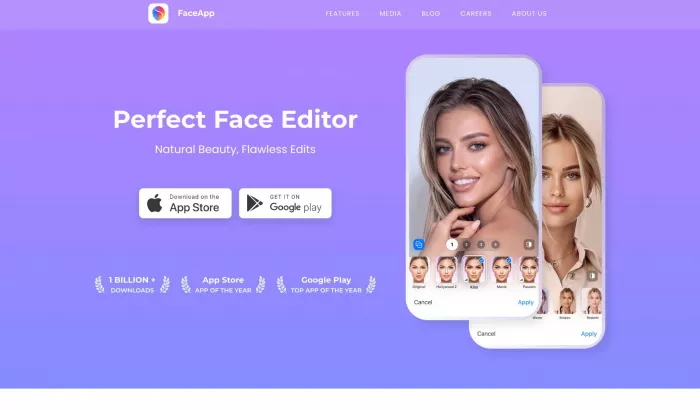
● FaceApp, while primarily known for age filters, includes hairstyle overlays. Results are less photorealistic but the app is already installed on many phones.
Final Thoughts
BarberGPT succeeds at a narrow but valuable purpose: helping men visualize short to medium hairstyles before committing to a cut. The technology impresses when working within its comfort zone of structured styles like fades, buzz cuts, and classic shapes.
It fails to deliver on longer, layered, or highly textured styles where the AI's training data shows gaps. Users with long hair or seeking dramatic transformations should temper expectations.
For the price of a coffee, you get peace of mind before a haircut that will be with you for weeks. That value proposition makes BarberGPT worth trying for anyone who has ever left a barbershop disappointed. Just remember its limitations and stick to shorter styles for the best results.


Comments