How Creators Are Using AI Video Tools to Build a Stronger Portfolio

Parveen Verma
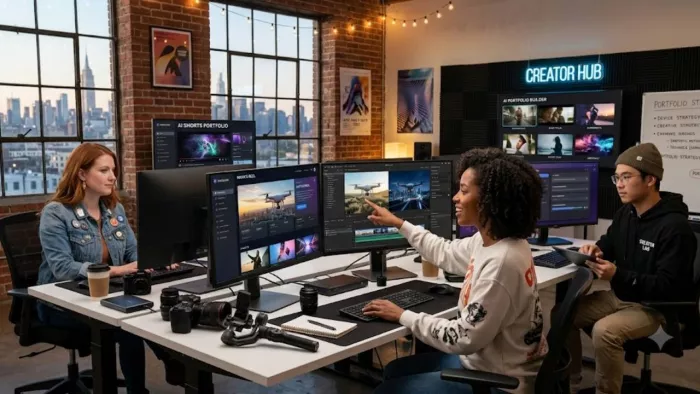
A link-in-bio page is only as compelling as what's behind it. A creator can have a polished profile, a clean layout, and all the right links, but if the actual content people click through to is a handful of static photos and one video from eight months ago, that first impression falls flat fast. Video is what actually holds attention long enough to convert a visitor into a follower, a client, or a sale — and it's also the piece most creators struggle to produce consistently.
Why Video Is the Hardest Part of a Creator's Portfolio
Writing a bio, picking a profile photo, organizing links — none of that requires much beyond a bit of time. Video is different. It traditionally means filming, editing, adding captions, exporting in the right format for each platform, and doing it all again for the next piece of content. For a solo creator juggling actual client work, brand deals, or a day job on the side, that production overhead is often the reason video content gets skipped entirely, even when everyone knows it performs better.
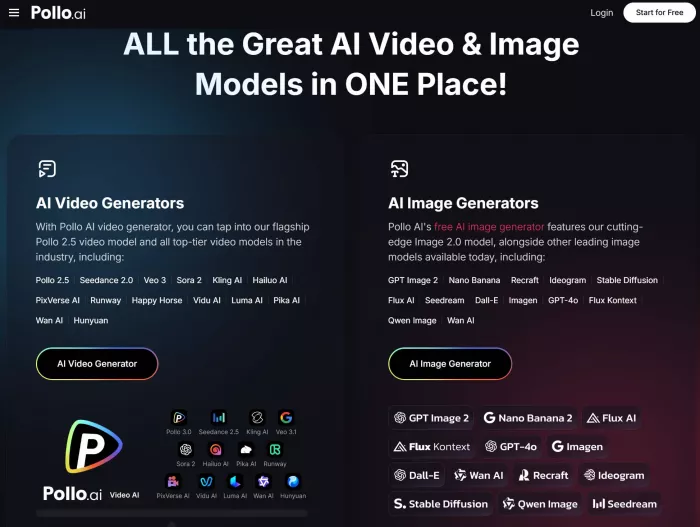
This is exactly the gap AI video tools have started closing. An AI video generator lets a creator turn existing photos, a written brief, or raw footage into a finished, shareable video without needing editing software or a production timeline. Pollo AI's tool handles a meaningful chunk of that process directly — assembling pacing, sequencing, and transitions from a brief rather than leaving a creator to build a timeline manually — which matters most for people building a portfolio who need to keep producing content regularly, not just once for a big launch.
What This Looks Like for an Actual Portfolio
Think about what a strong link-in-bio page typically needs: a short intro reel that shows personality and work at a glance, project highlight clips for past collaborations, and periodic fresh content that signals the page is actively maintained rather than abandoned. Producing all of that through traditional editing means either investing serious personal time or budgeting for outside help — both of which are hard to justify for content that's meant to be a portfolio piece, not a monetized project on its own.
Generating video directly from photos or footage a creator already has removes a big chunk of that friction. A fashion creator can turn a set of product or outfit photos into a moving showcase reel. A service provider can turn before-and-after project photos into a short highlight video. None of this requires learning a new skill — it requires having the right tool for turning what you already have into something more watchable.
Choosing Between an AI Generator and a Traditional Editor
It's worth understanding that not every video tool solves the same problem. An AI generator is built for producing a finished video quickly from a brief or existing assets — useful when the priority is speed and volume. A traditional AI-assisted editor, on the other hand, still has you working in a timeline yourself, with AI features layered on to speed up specific steps like captioning or clip trimming.
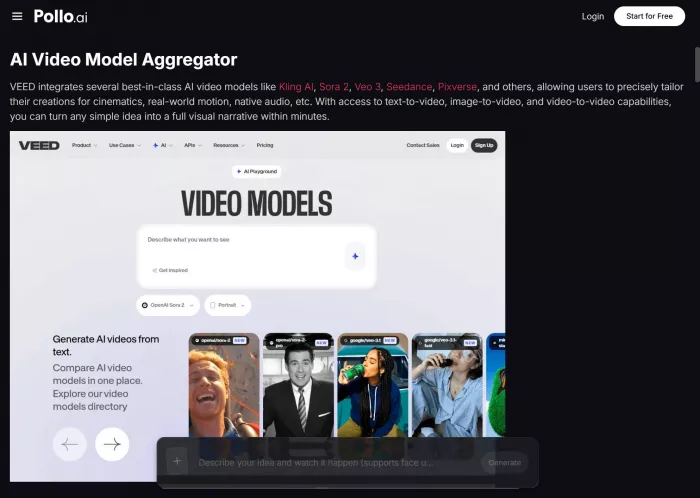
VEED is a well-known example of this second category, giving creators more hands-on control over each cut, and Pollo AI actually offers a direct path into it, letting a creator move from AI-generated footage straight into a VEED editing session if they want to fine-tune something further rather than starting from scratch in a separate app. Which approach fits depends on the piece: a quick portfolio refresh usually favors speed, while a flagship project video might be worth the extra time in a traditional editor.
Keeping a Portfolio Feeling Current
The creators whose link-in-bio pages consistently perform well tend to treat content refreshes as a routine habit, not a one-time setup task. That means periodically swapping in new highlight clips, updating an intro video as their work evolves, and not letting a portfolio page sit untouched for months at a time — something search and social algorithms both tend to reward, and something visitors notice even without thinking about it explicitly.
Building a small habit around this — reviewing your portfolio content once a month, generating a fresh clip from recent work — keeps a page feeling active without turning content upkeep into a part-time job.
Getting Started
If your portfolio has been relying on the same one or two videos for a while, start with one recent project or one set of photos you already have. Generate a short clip, add it to your page, and see how it compares to your current content in terms of engagement or click-through.
For most creators, the goal isn't a cinematic production — it's simply having enough current, watchable content that a visitor sticks around long enough to actually explore what you do. A consistent stream of small, easy-to-produce videos usually does more for that than one polished piece made once a year.


Comments